
Tasks Wizard 网页版回归——全新设计
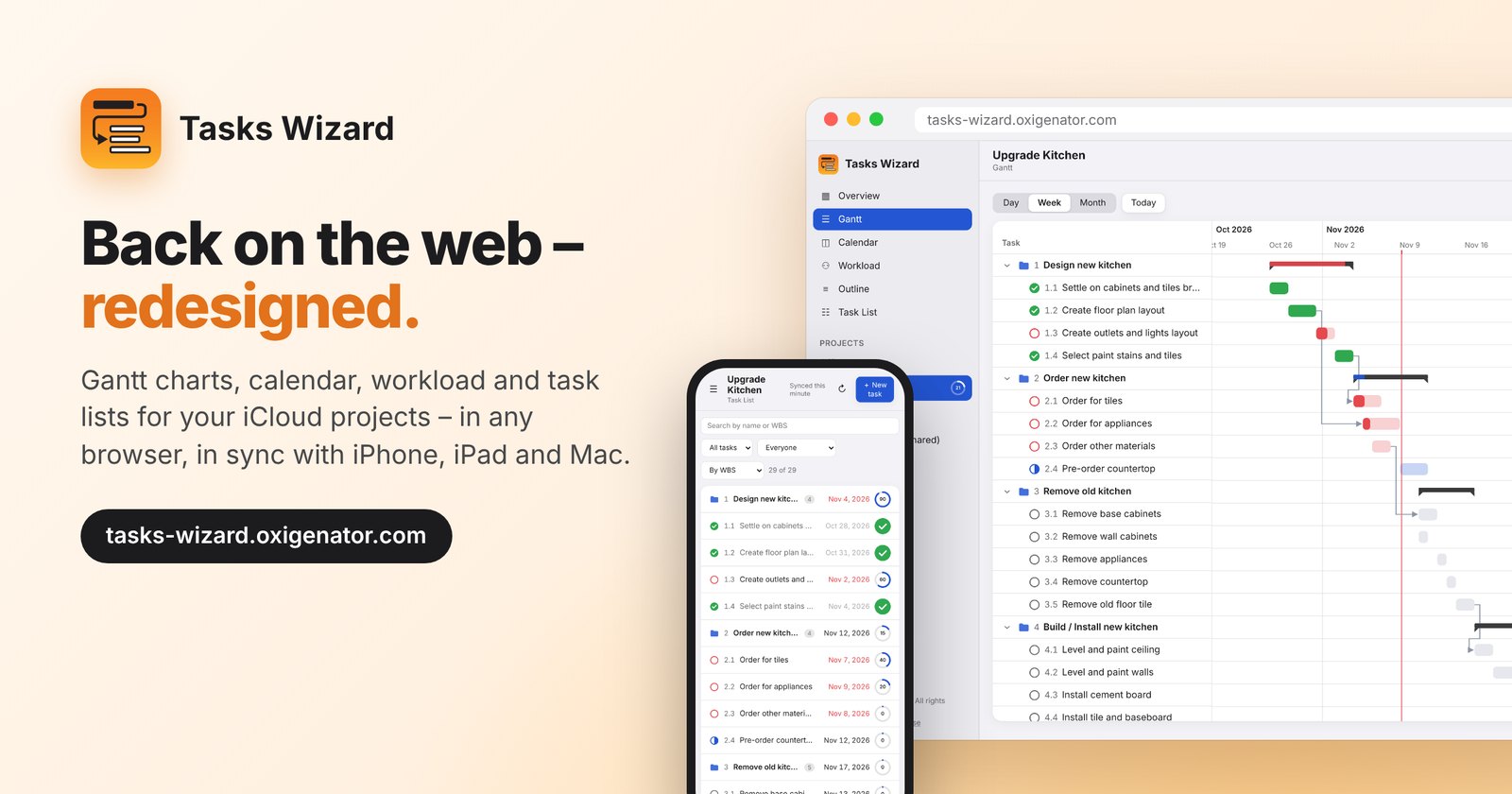
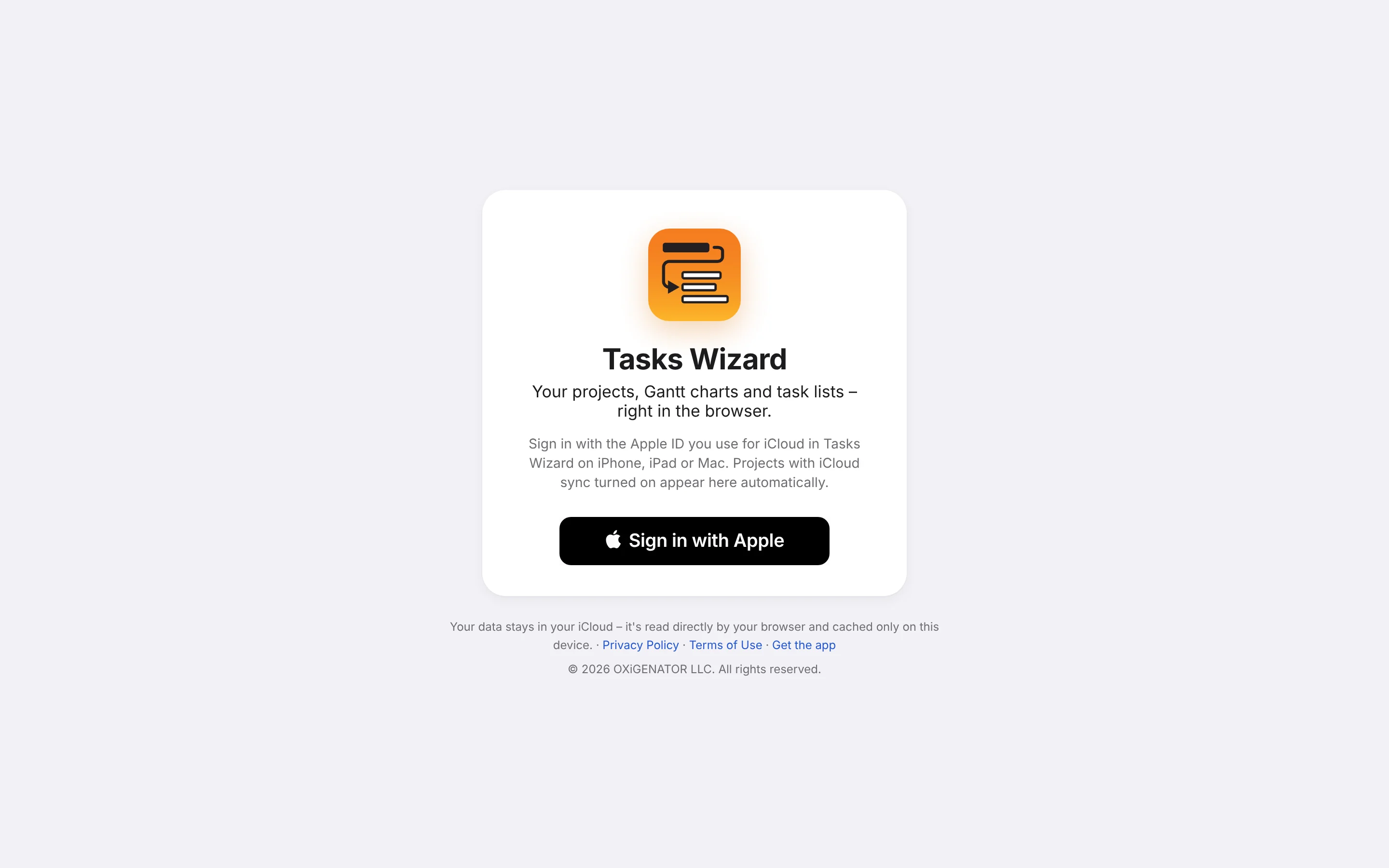
Tasks Wizard 回到浏览器啦。 打开 tasks-wizard.oxigenator.com,用你的 Apple ID 登录,你的项目就都在这里了——和你在 iPhone、iPad 和 Mac 上的 Tasks Wizard 中使用的是同一批项目。无需导出,无需导入,也无需任何设置:网页版直接从你的 iCloud 读取项目,你做的每一处修改都会在片刻之内出现在你的设备上。
网页版已全面重新打造,采用与 Tasks Wizard 3 相同的现代设计,而且速度很快:首次访问之后,你的项目可以瞬间打开,并且只会下载有变化的内容。
在大屏幕上纵览整个项目
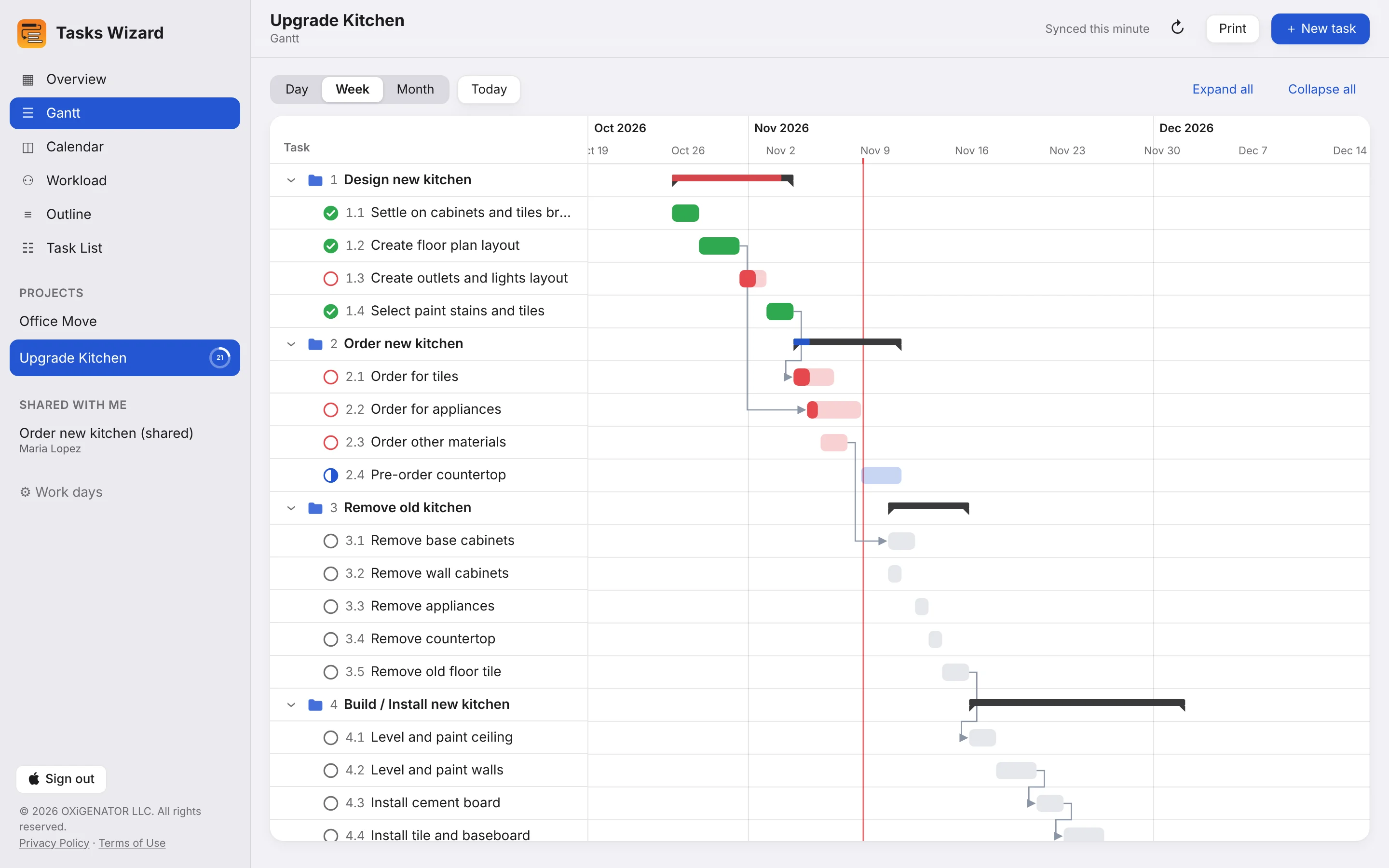
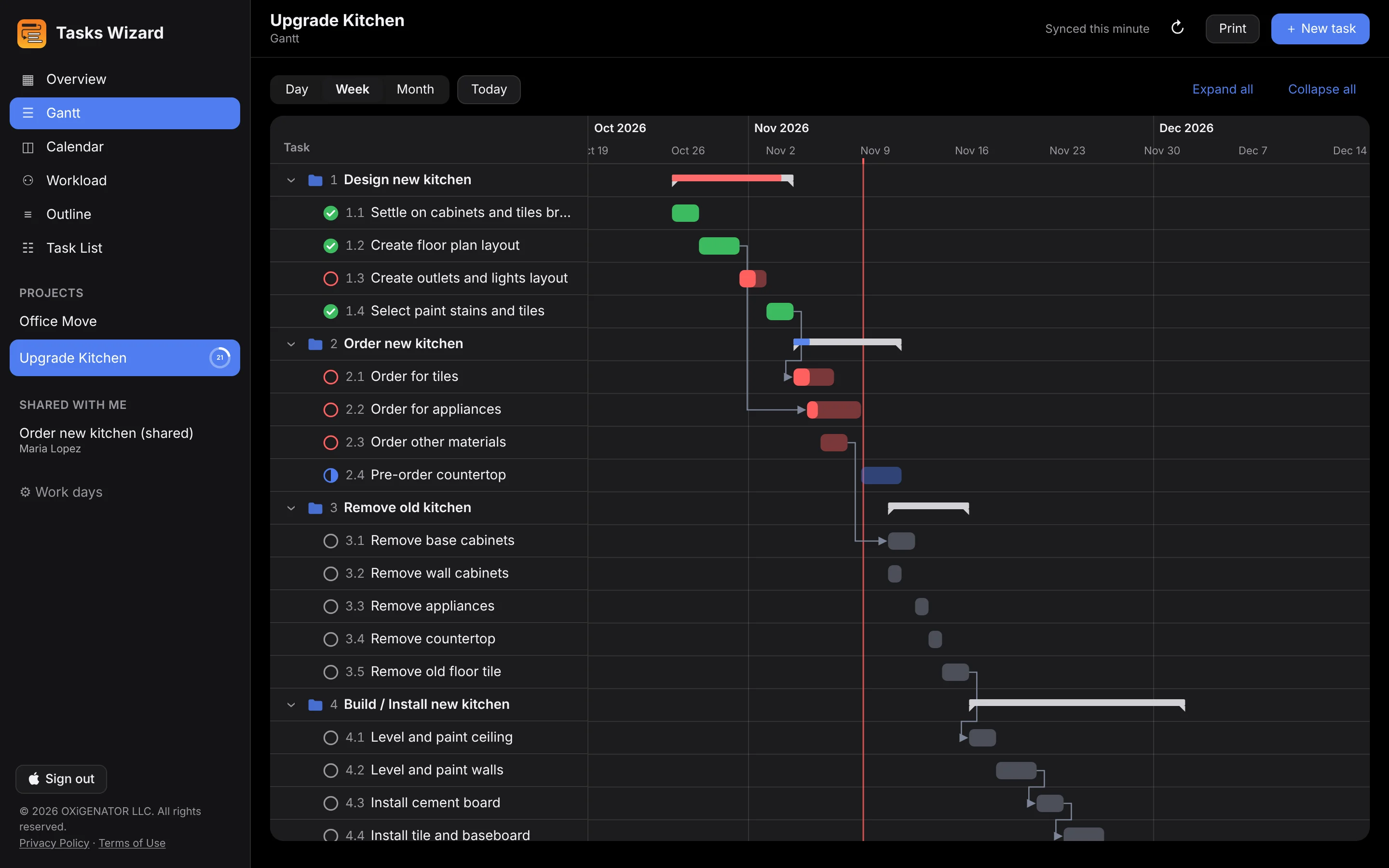
- 甘特图——支持按日、周、月缩放,状态颜色一目了然,每个条形内显示进度,还有分组、里程碑、依赖关系箭头和今日线。
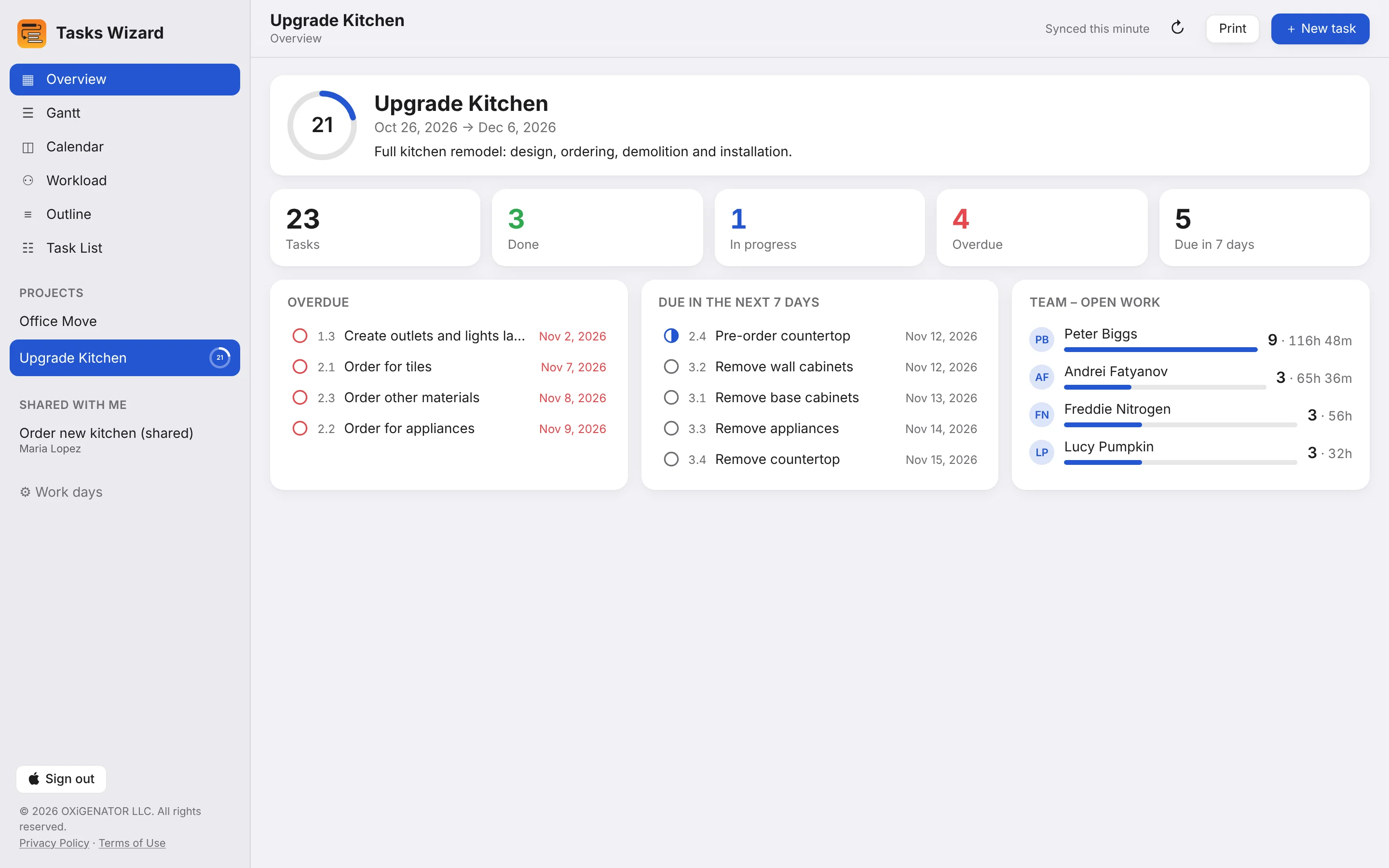
- 概览——进度一目了然:已完成、进行中、已逾期和本周到期的任务,以及谁在负责什么。
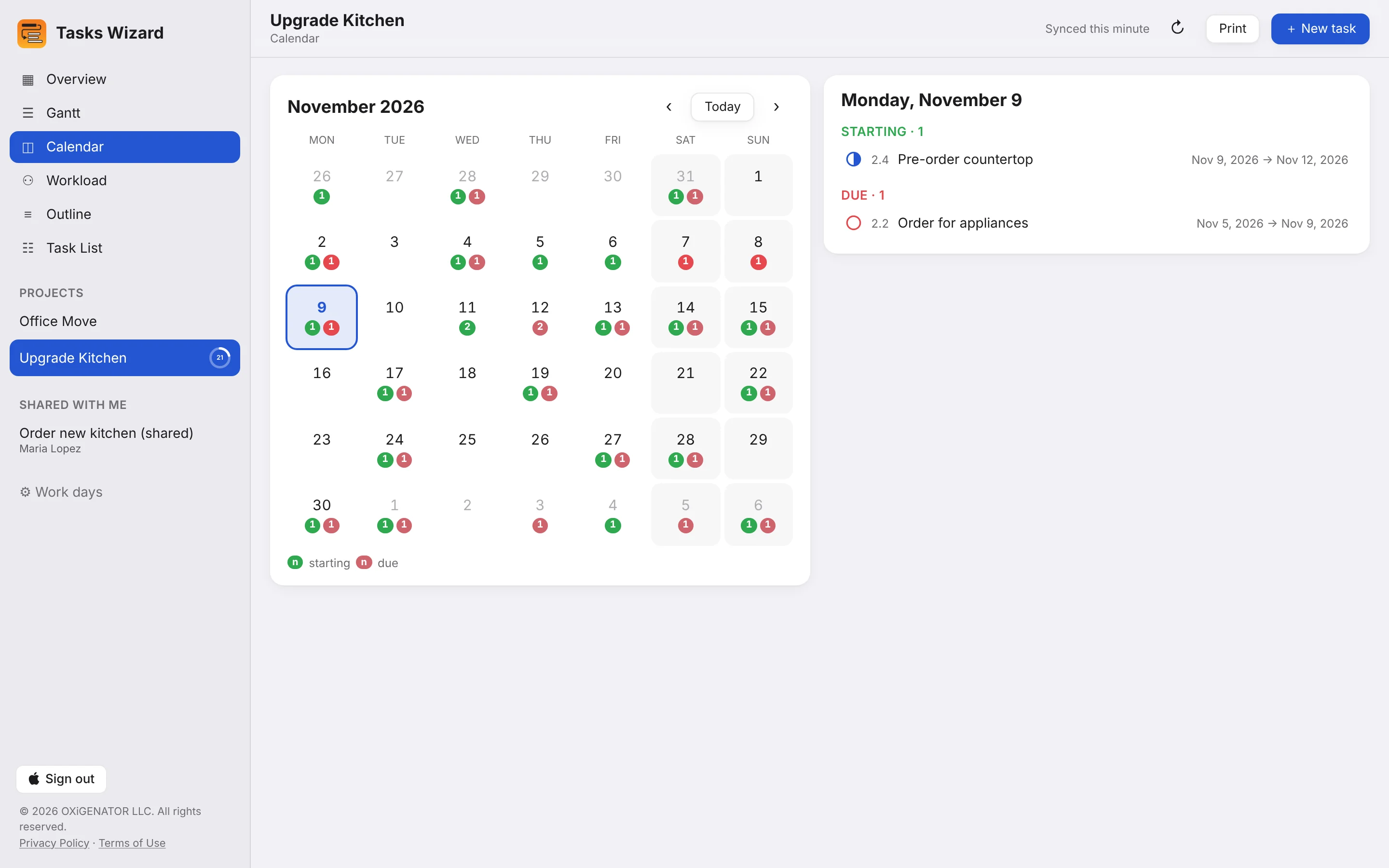
- 日历——查看每天有哪些任务开始、哪些任务到期,并提供所选日期的日程。
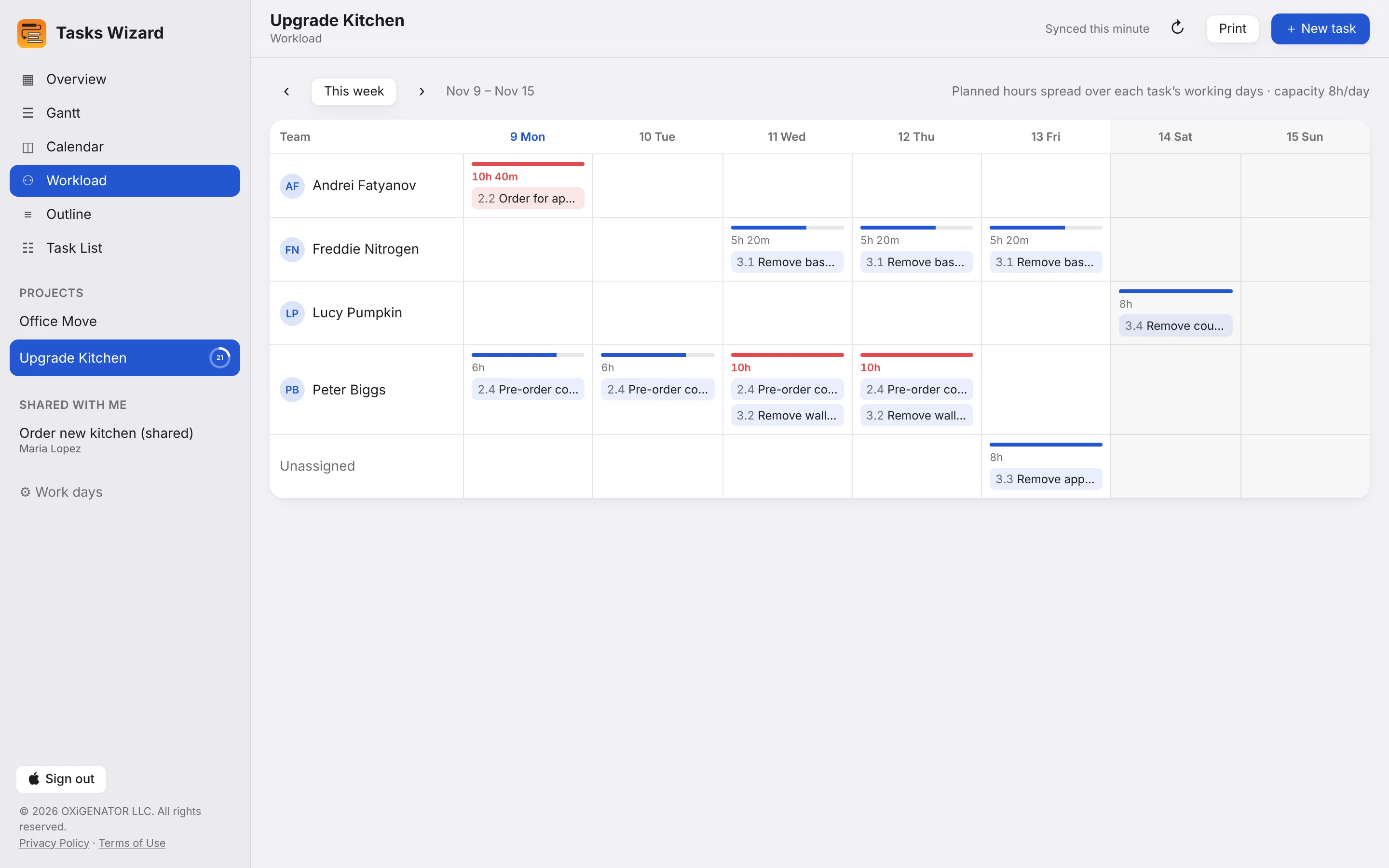
- 工作负载——为团队准备的周看板:计划工时会分摊到每个任务的工作日上,当有人任务过多时,产能条会变红。
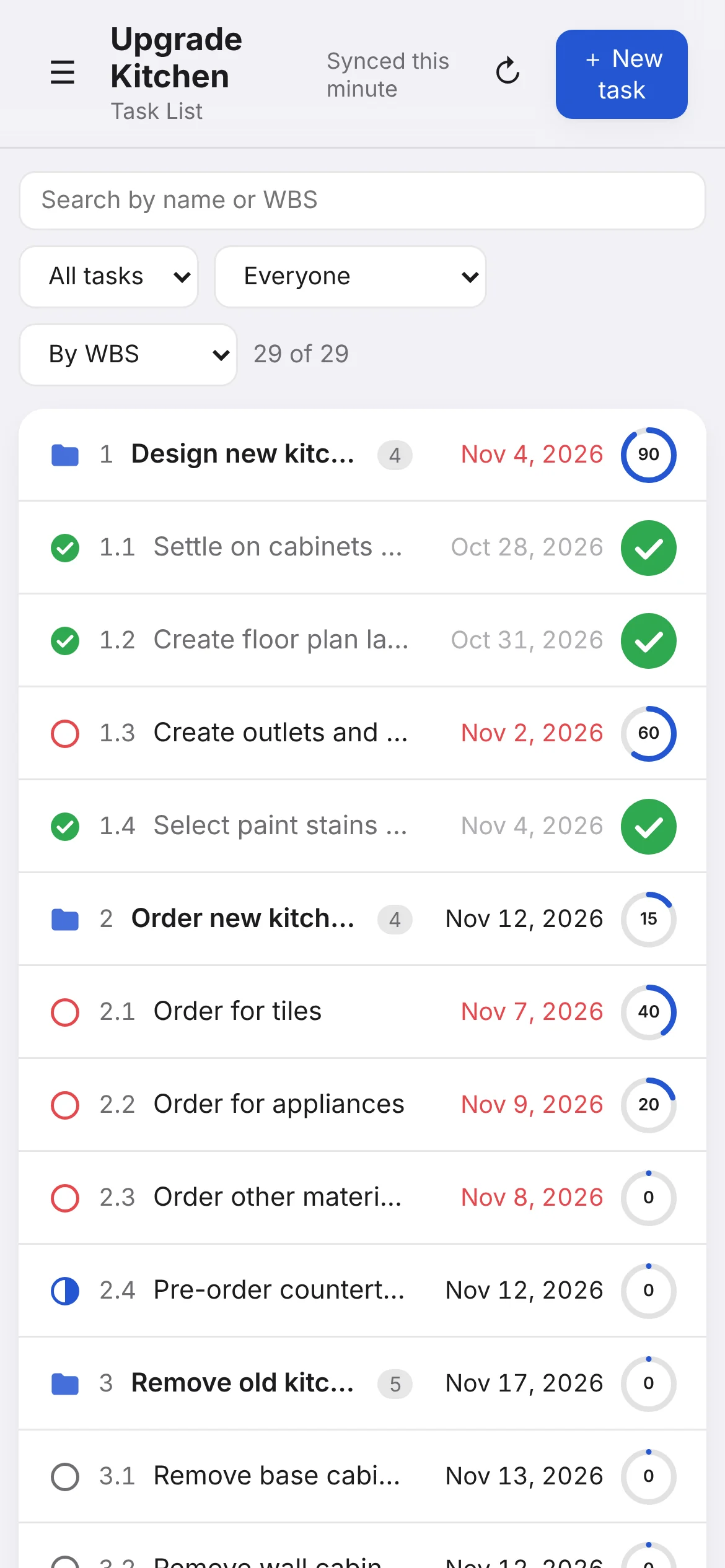
- 大纲和任务列表——完整的任务树,或是支持搜索、筛选和排序的扁平列表。
- 与我共享——其他人从 App 中分享给你的任务。
直接在浏览器中编辑
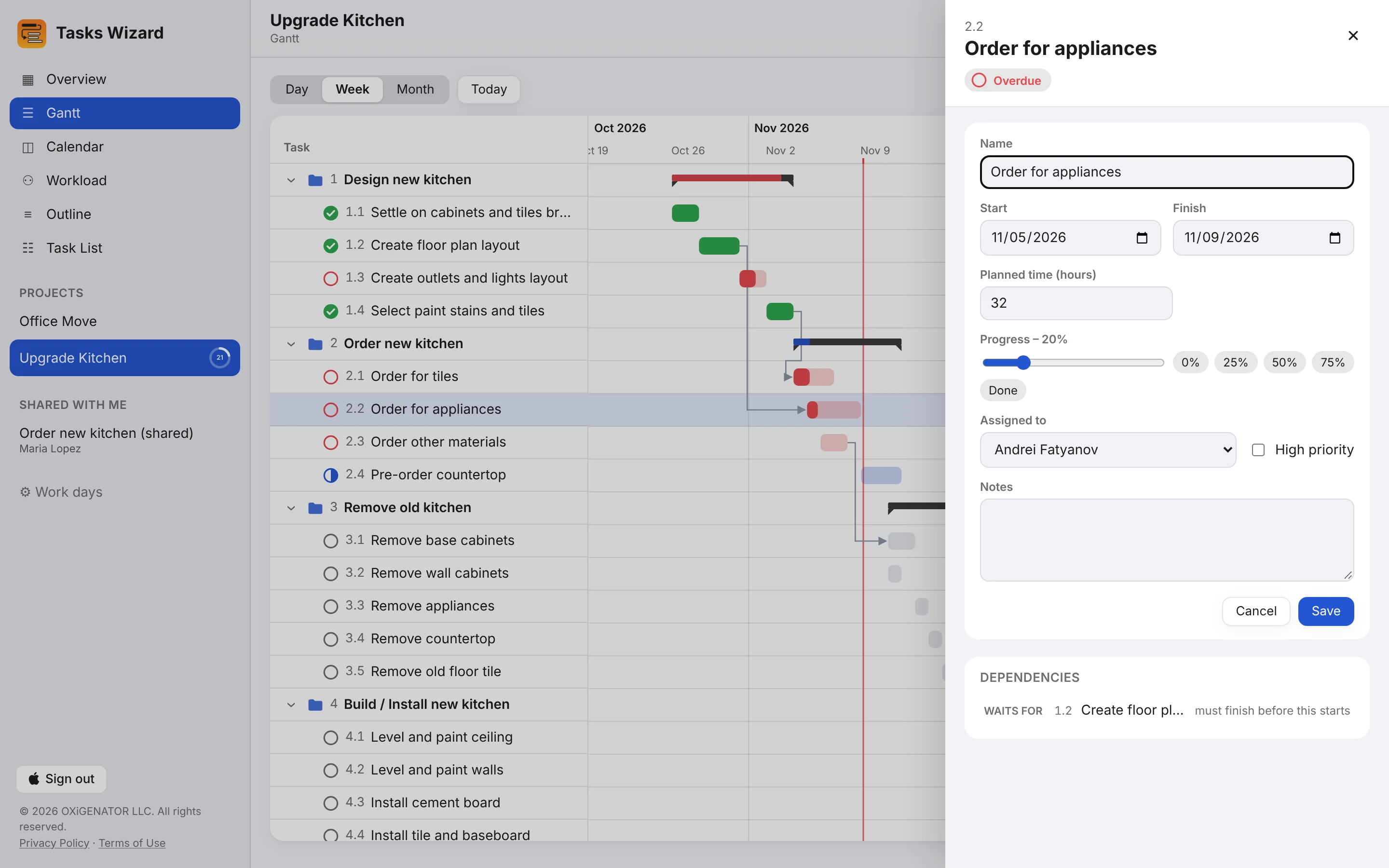
你可以修改名称、日期、进度、计划时间、负责人和备注;将任务标记为完成;添加任务和子任务;删除不再需要的内容。编辑遵循与 App 完全相同的规则——WBS 编号、分组日期与进度、工作日、任务历史——并通过 iCloud 同步到你的所有设备。如果同一个任务刚刚在另一台设备上被修改,Tasks Wizard 会及时发现并保留两边的修改。
在网页上查看项目是免费的。编辑功能包含在 Tasks Wizard 订阅中——在 App 中订阅(或恢复购买)后,浏览器中的编辑功能会自动开启。
打印、导出和深色模式
你可以将任意项目导出为电子表格(CSV),用 Excel 或 Numbers 打开,也可以以简洁的横向版式打印,或保存为 PDF。网页版会跟随系统的浅色或深色外观,在手机和平板上同样好用。
隐私至上的设计
你的数据始终保存在你自己的 iCloud 中。网页版由浏览器直接读取和写入——不会经过我们的任何服务器,用于加快加载速度的本地副本只保存在你的设备上,退出登录时就会被删除。
开始使用
- 在 iPhone、iPad 或 Mac 上的 Tasks Wizard(3.0.3 或更高版本)中,进入设置,开启 iCloud 同步,并为你的项目启用该功能。
- 在 Safari、Chrome、Edge 或 Firefox 中打开 tasks-wizard.oxigenator.com。
- 使用同一个 Apple ID,选择通过 Apple 登录。
还没有 Tasks Wizard?点击这里获取。