
CW Morse
Morse code decoder for iPhone and iPad
Turn Morse code from your radio into text, live. CW Morse finds the tone, learns the sender's speed from 5 to 50 wpm and reads through static and fading — no setup and no numbers to guess.
- Works on
- iPhoneiPad
- Price
- Free to try · one-time purchase unlocks unlimited listening
Screenshots · iPhone
Screenshots · iPad
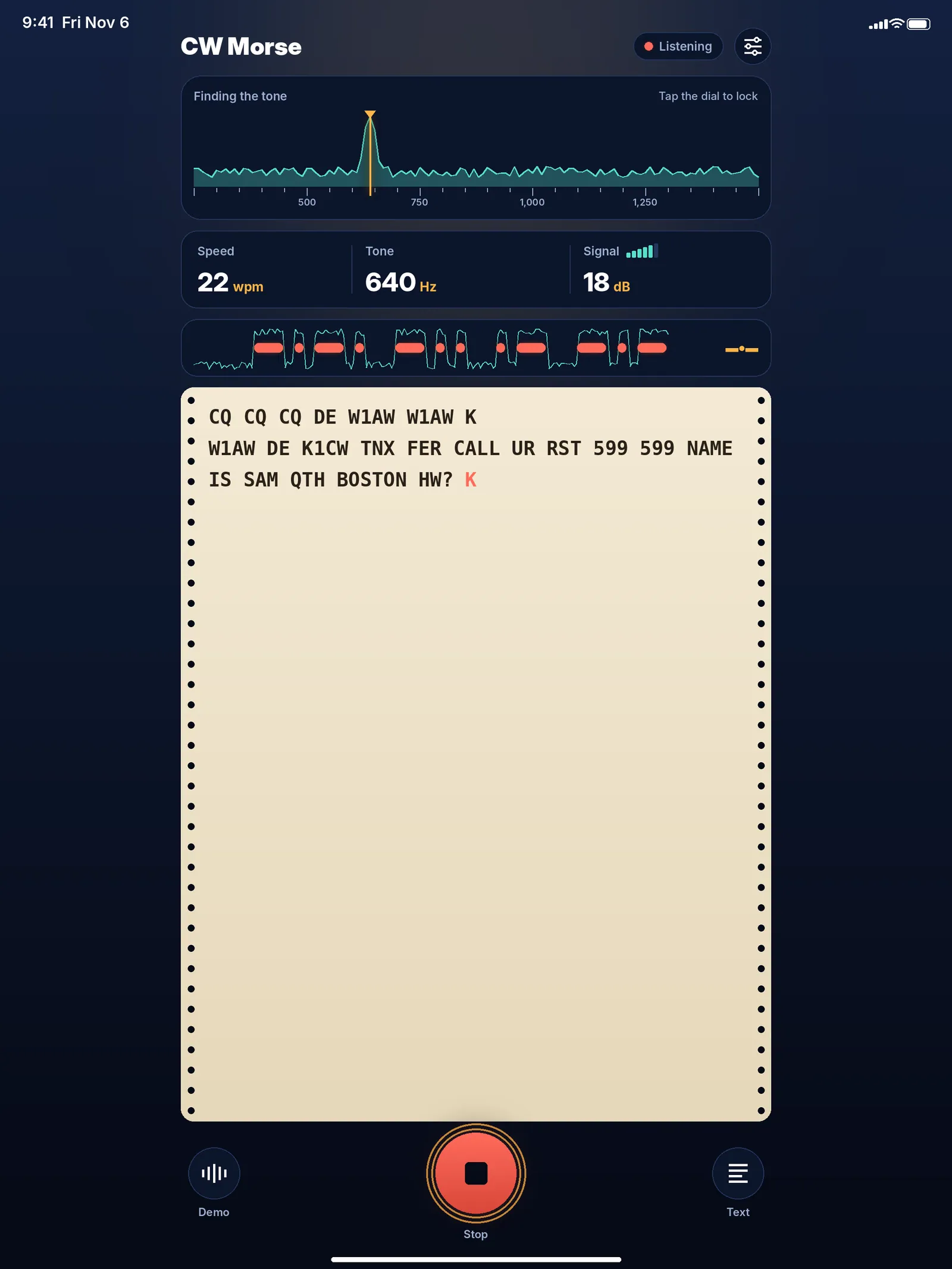
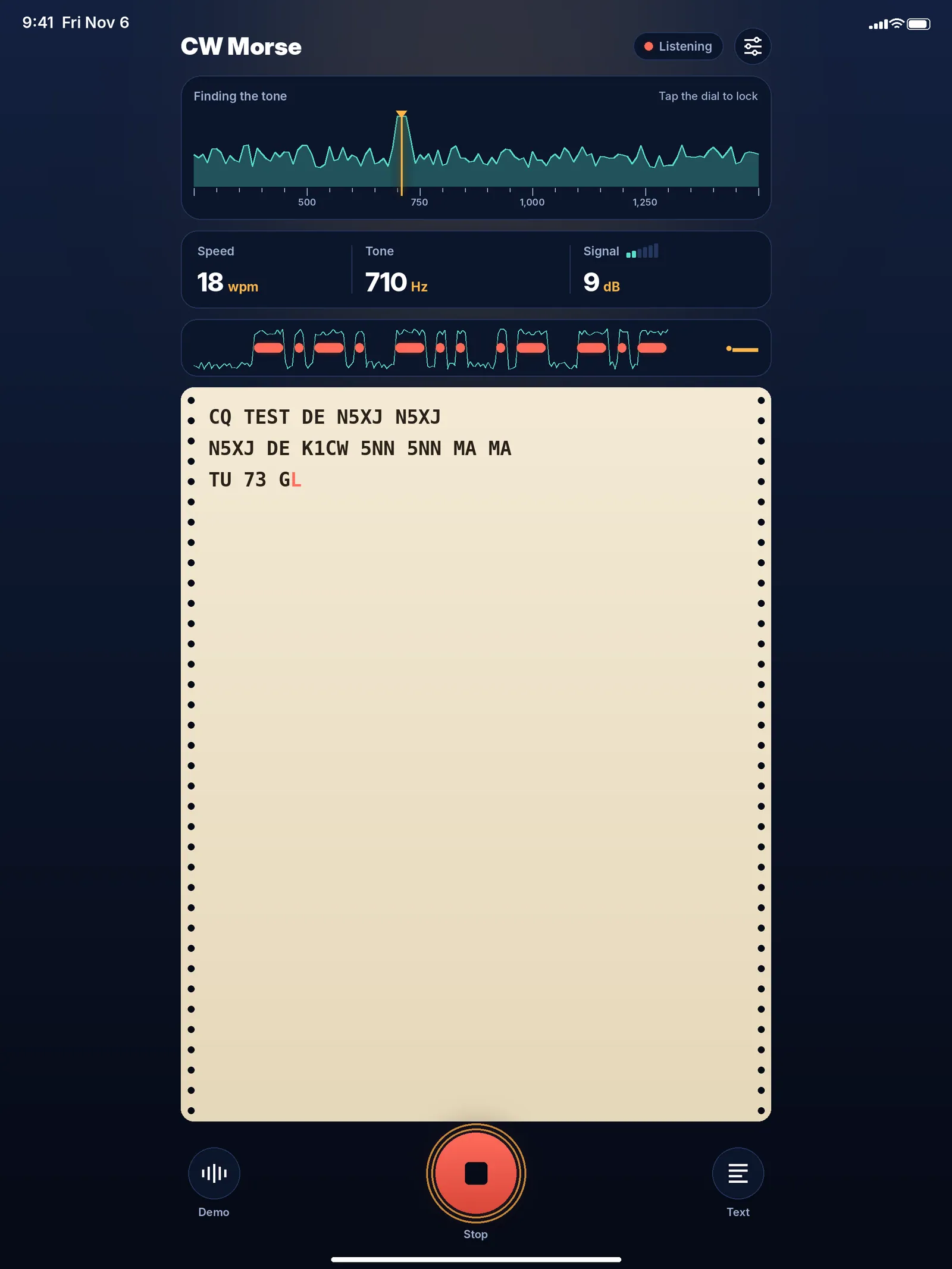
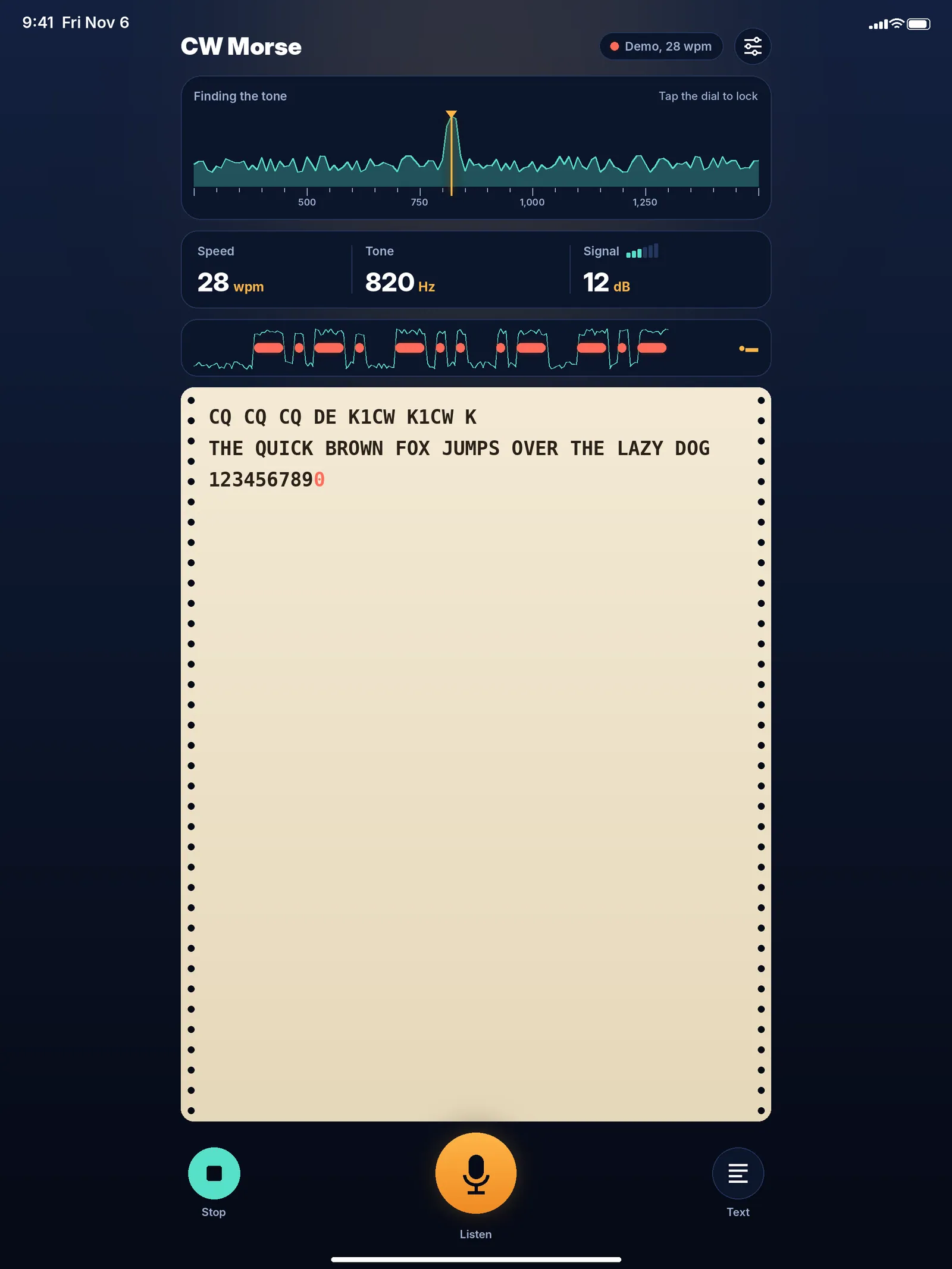
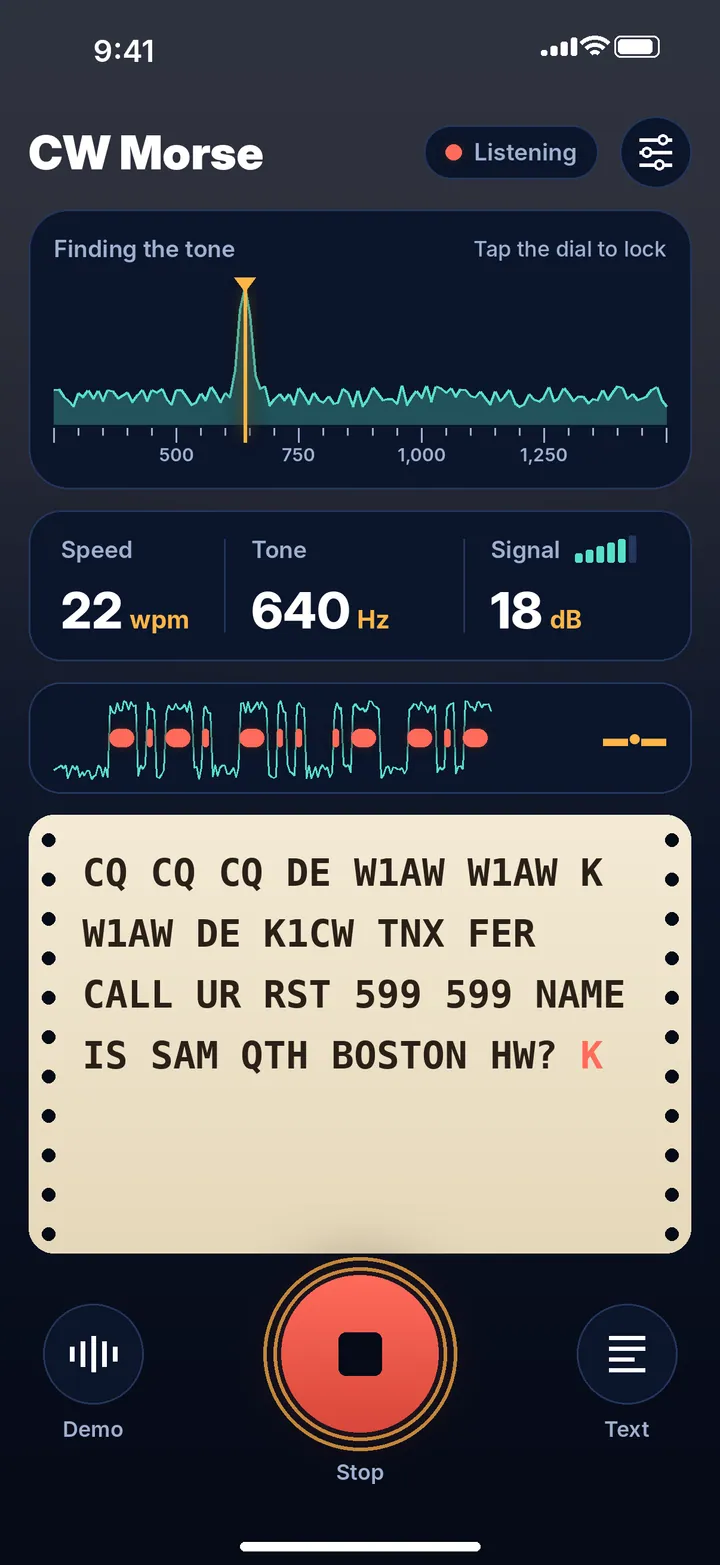
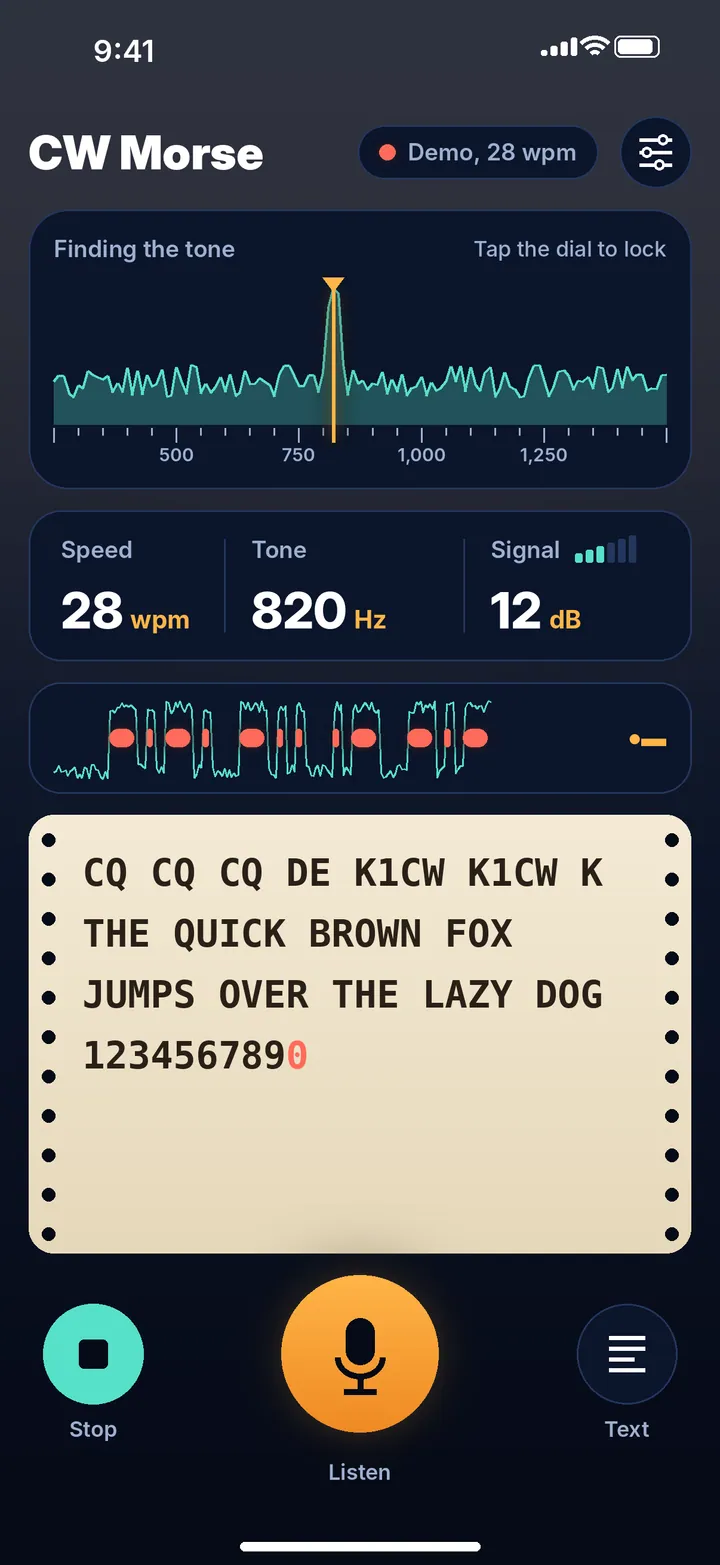
CW Morse turns Morse code from your radio into text, live, on your iPhone or iPad. Hold the device near the speaker or connect the radio’s headphone output, press Listen, and watch the letters print on a teleprinter-style paper roll as they arrive.
Finds the tone, learns the speed
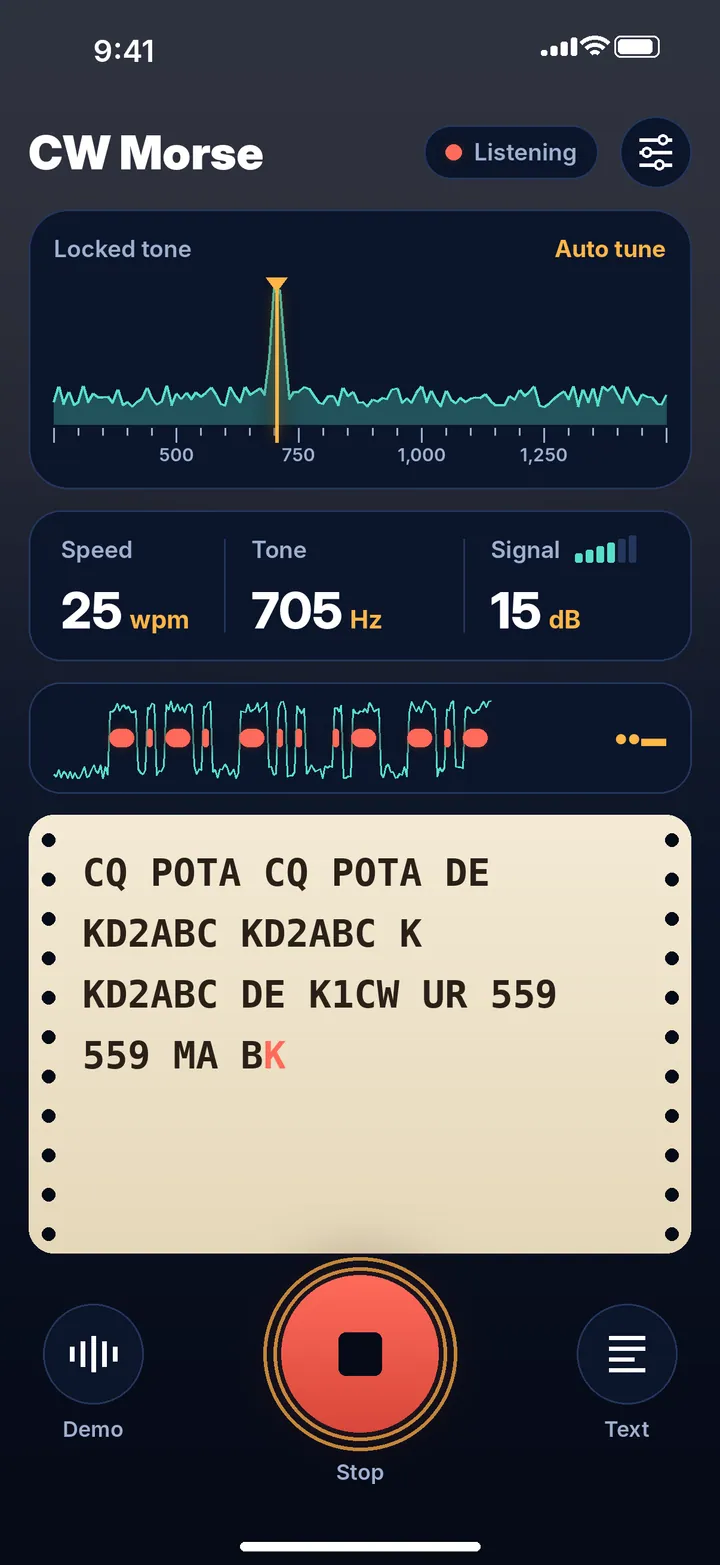
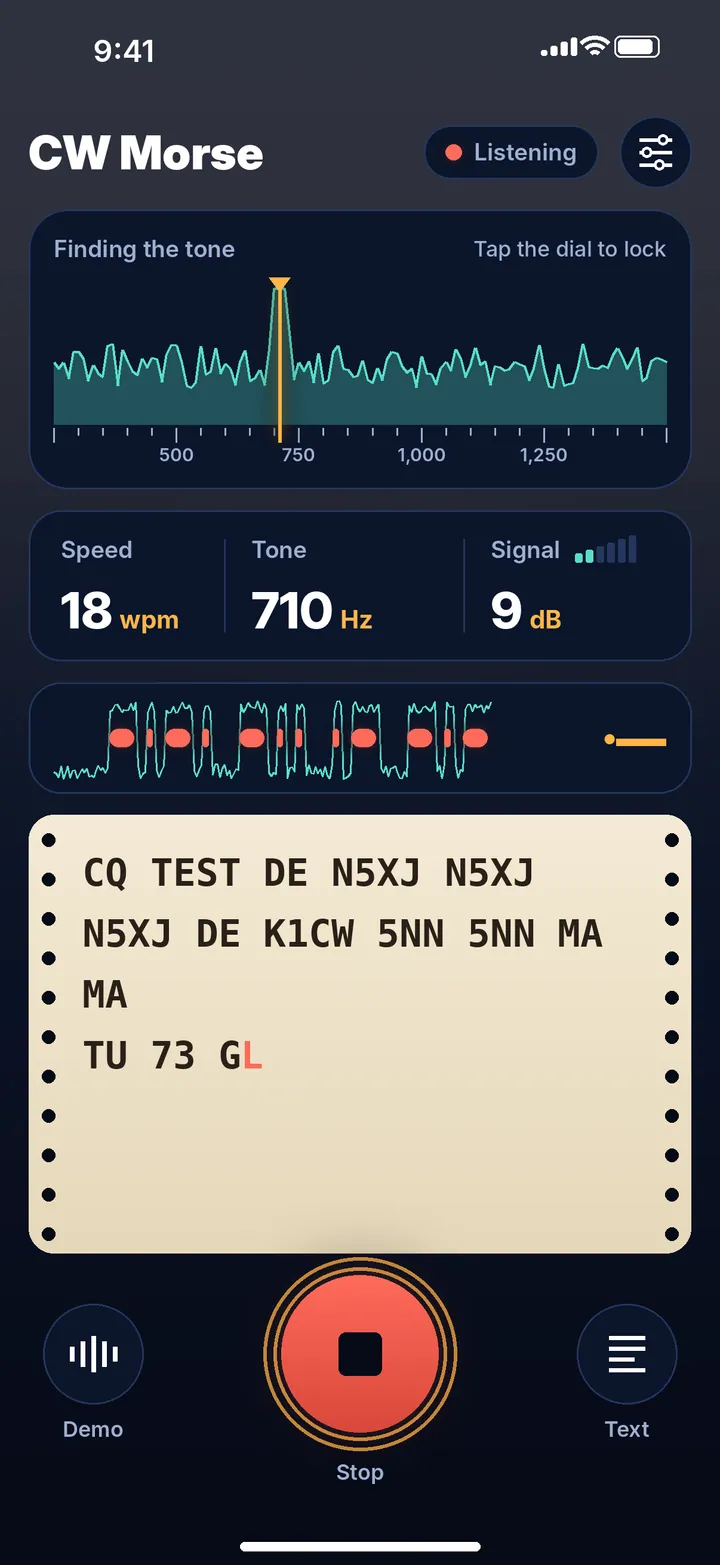
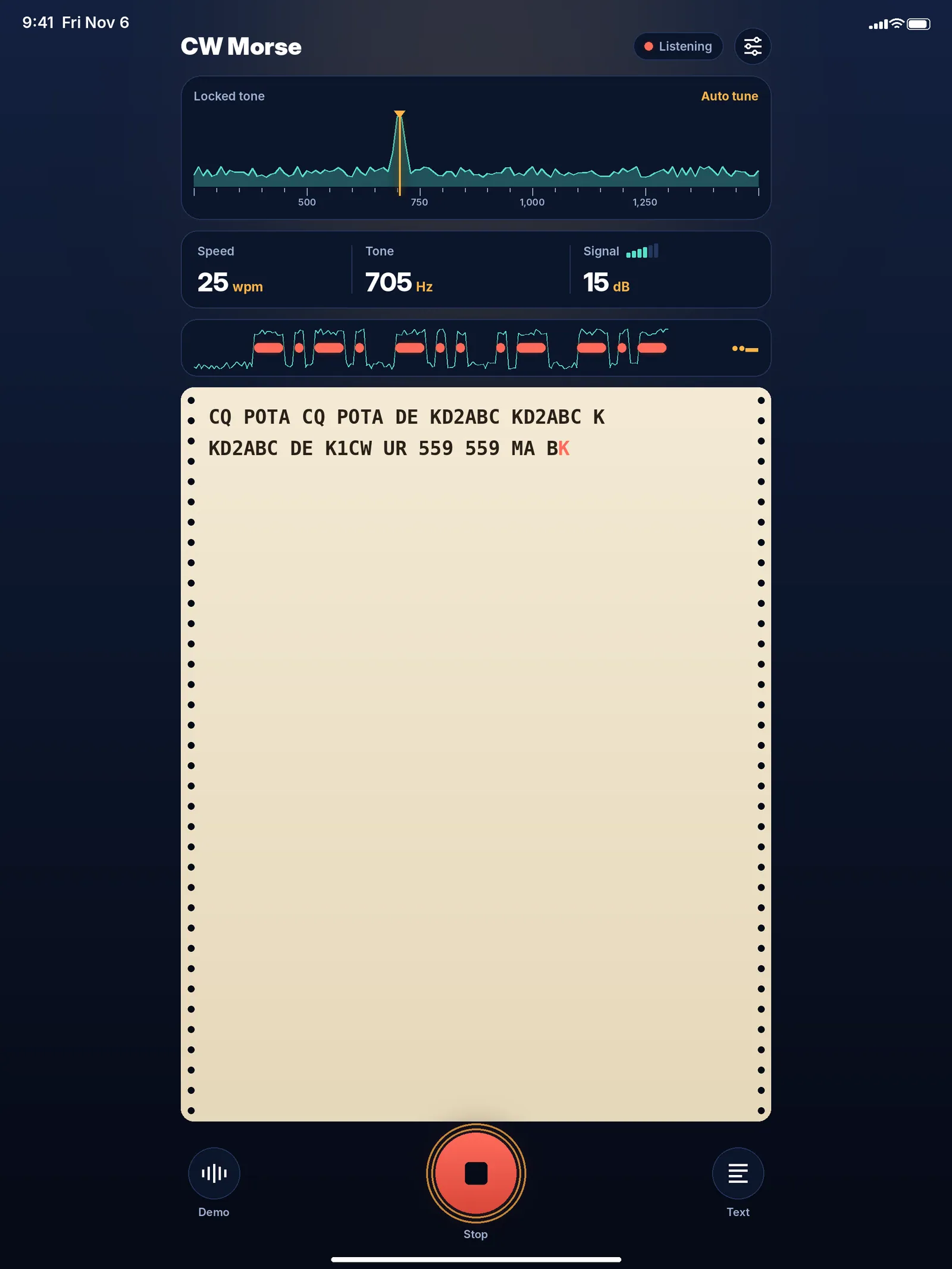
A live tuning dial shows every tone between 250 and 1500 Hz. CW Morse locks onto the strongest steady signal and ignores hiss and hum; when two stations are close together, tap the one you want to lock it, and tap Auto tune to let go. The decoder measures dots, dashes and the gaps between them, from a slow 5 wpm to a fast 50 wpm, and keeps adjusting when the sender speeds up or slows down — hand-sent code with uneven timing included.
Reads through the noise
Static, fading and changing volume are part of radio. CW Morse sets its own threshold from moment to moment, so weak signals still print and noise doesn’t fill the page with random letters. A signal meter shows how far the tone stands above the noise, and a live trace shows each dot and dash as it’s keyed, with the character being built shown large beside it — so you can follow along and learn by ear and eye at the same time.
Try it without a radio
The built-in demo transmitter plays real Morse with noise and fading at a random tone and speed. Watch the decoder lock on and adapt in seconds.
Free to try, pay once
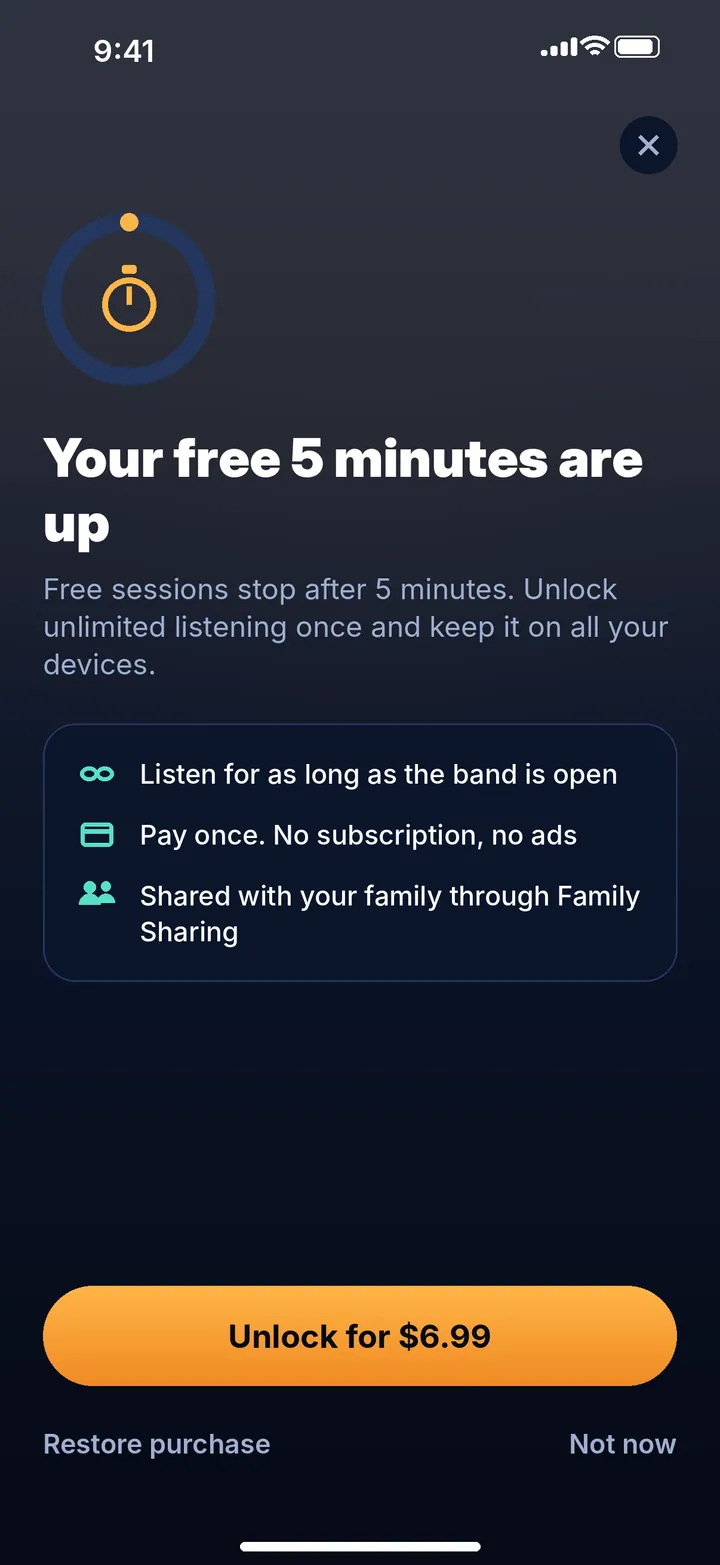
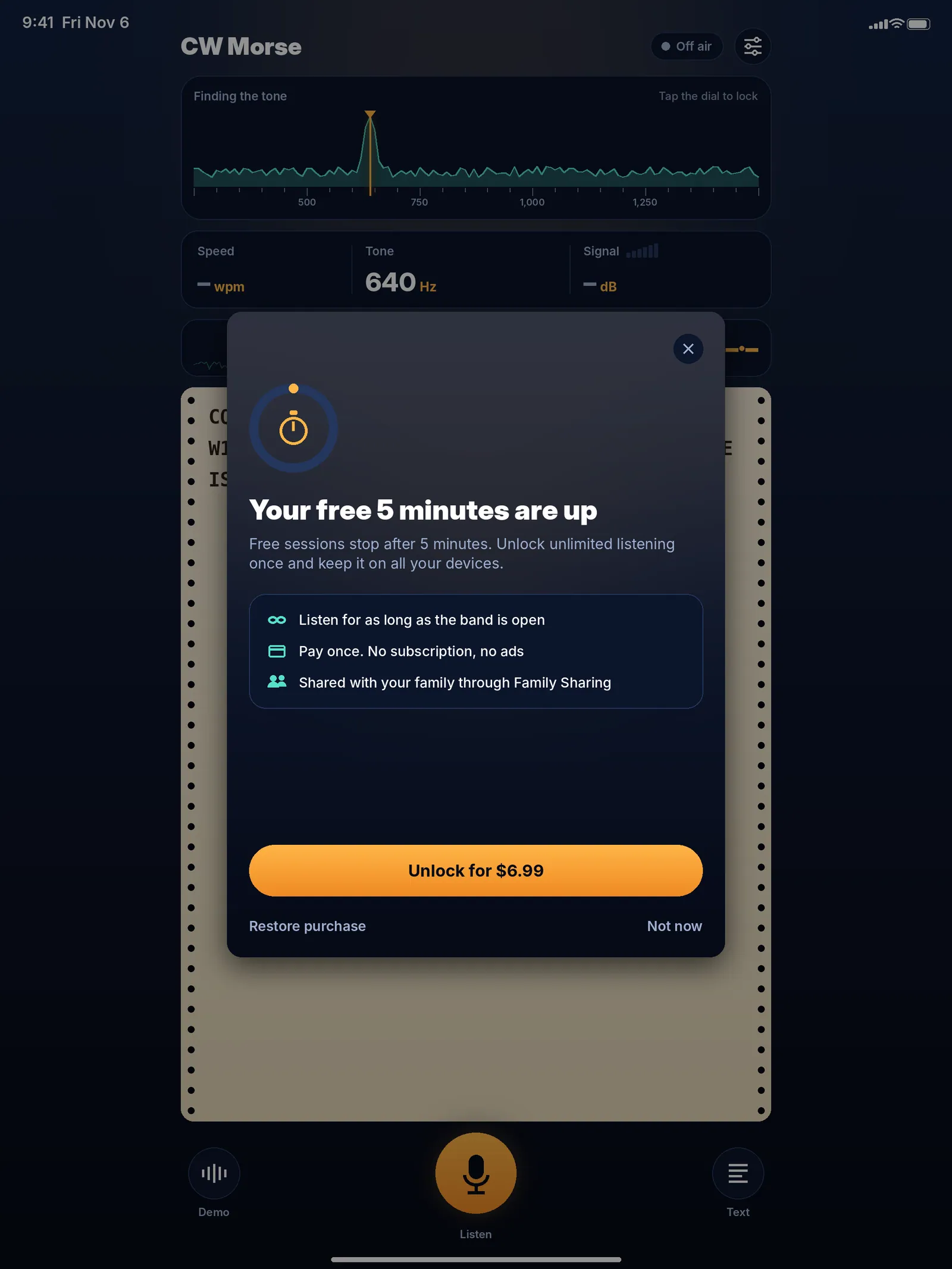
Every listening session is free for 5 minutes, and the demo is always free. One in-app purchase unlocks unlimited listening forever on all your devices, shared with your family through Family Sharing. No subscription and no ads.
Tips for the best results
A cable from the radio’s headphone or line output gives the cleanest signal. Over the air, keep the device close to the speaker in a quiet room and set the radio volume so the tone shows clearly on the dial.
What it does
Finds the tone for you
A live tuning dial from 250 to 1500 Hz locks onto the strongest steady signal. Tap the dial to pick one of two close stations.
Learns any speed
From 5 to 50 wpm. It measures dots, dashes and gaps and keeps adjusting as the sender speeds up or slows down.
Reads through the noise
An adaptive threshold lets weak signals print while static and fading don't fill the page with random letters.
See every element
A live trace shows each dot and dash as it's keyed, with the character being built shown large beside it.
Demo transmitter
Real Morse with noise and fading at a random tone and speed — try the decoder without a radio.
Letters, numbers and prosigns
Punctuation and common prosigns such as SK, KA and AA are decoded too.
Full manual control
Set tone, speed, squelch and filter width yourself when you want to.
Copy and share
Copy or share the decoded text; the screen stays awake while you listen.
Private and offline
Audio is processed on your device and is never recorded or uploaded.
Pay once, Family Sharing
Five free minutes per session, demo always free. One purchase unlocks unlimited listening on all your devices — no subscription, no ads.
Questions and answers
How do I connect my radio?
Hold your iPhone or iPad near the radio's speaker, or connect the radio's headphone or line output to the device with an audio cable, then press Listen. A cable gives the cleanest signal.
Do I have to set the tone frequency or speed?
No. CW Morse finds the strongest steady tone between 250 and 1500 Hz and works out the speed by itself, from 5 to 50 wpm. If you prefer, you can set tone, speed, squelch and filter width manually.
Two stations are close together. How do I pick one?
Tap the one you want on the tuning dial to lock it. Tap Auto tune to let CW Morse choose again.
Does it handle hand-sent code?
Yes. The decoder keeps measuring dots, dashes and gaps, so uneven hand-keyed timing and changing speed are handled.
Why do I see random letters?
Usually the tone is too weak or the room is noisy. Move the device closer to the speaker or use a cable, and set the radio volume so the tone stands out clearly on the dial. The signal meter shows how far the tone is above the noise.
What do I get for free?
Every listening session is free for 5 minutes, and the demo is always free. A one-time in-app purchase unlocks unlimited listening — no subscription and no ads.
Can my family use my purchase?
Yes. The unlock is shared through Family Sharing and works on all your iPhones and iPads. Use Restore purchase on a new device.
Is my audio recorded?
No. Audio is processed on your device as it arrives and is never recorded, stored or uploaded. CW Morse works fully offline.