
CamCarDer
Dash camera with GPS, G-force and map
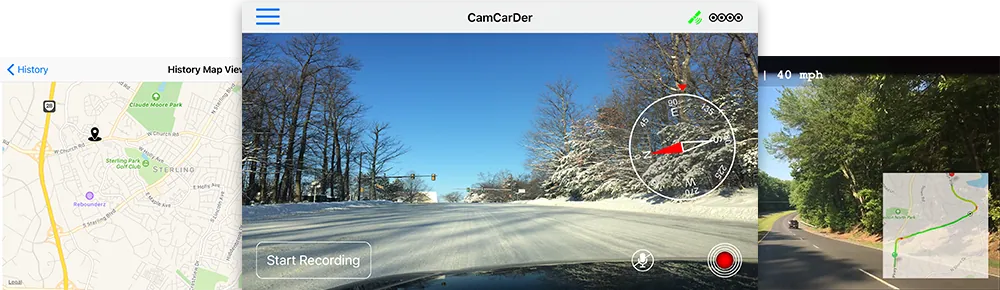
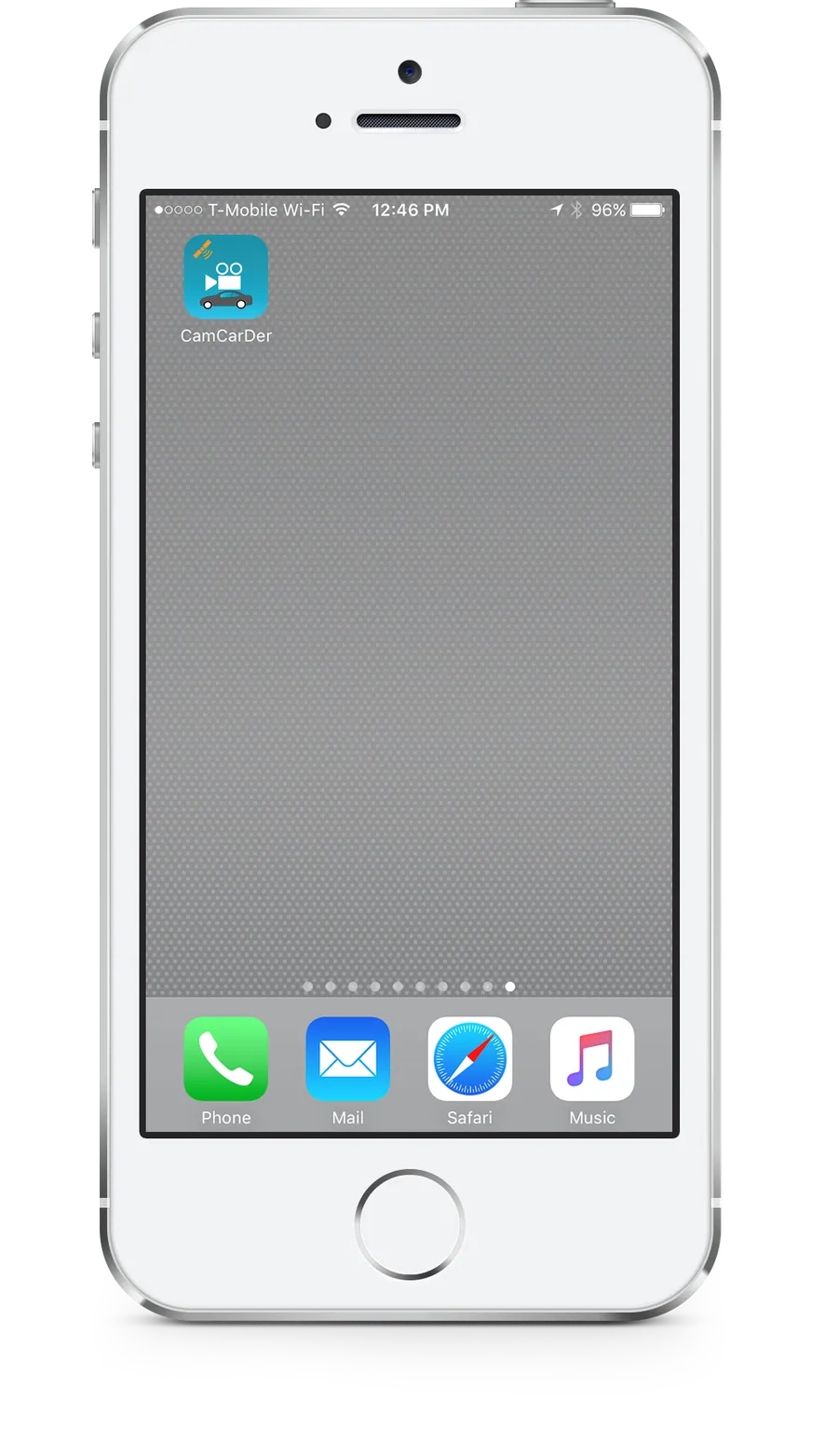
CamCarDer turns your iPhone into a smart dash camera — it records video together with location, speed and sound, then plays every clip back on a live map.
Driving car smart
Every ride is recorded
Mount your iPhone on the dashboard, tap record and drive. CamCarDer captures the road ahead along with your position, speed and — if you want — audio, so the unexpected is always on video.
Try before you buy
Full-featured paid and free Lite app
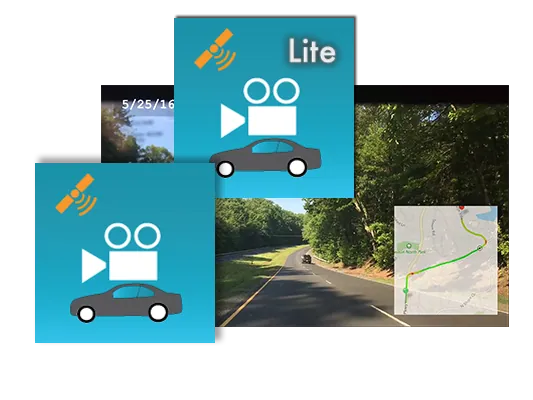
You don't need to pay before you try CamCarDer. Besides the full-featured paid version there is a free one — CamCarDer Lite. It has some limitations, but it gives you a complete overview of the app.
Why OXiGENATOR
Balanced
We always balance simplicity and features. No one likes overcomplicated, cumbersome apps.
Mobile first
We specialize in mobile apps only — and we do them right. The world keeps going more mobile.
International
Our apps are multilingual. We launch in several languages and keep adding more.
Caring support
We listen to every suggestion and complaint from our users. Support is our passion.
Features
Learn more about this feature-packed app
Capture video
Record in three quality modes.
Track location
Locations are recorded along with the video.
Record audio
Sound can be recorded too when you need it.
Recycle old clips
Unprotected old clips can be deleted automatically.
Clips on a map
Find clips easily in a list or on a map.
Capture speed
Speed is recorded together with the video stream.
Playback with map
Clips play with a dynamic map, time and speed.
Compass
Never get lost with the on-screen compass.
Export with imprints
Exported clips include time, speed and the map.
Always more
New features and languages keep coming.
Reviews
What people are saying
- ★★★★★
“True GPS app. Awesome and amazing free GPS app. Enjoyable and easy to use.”
Evanro1
- ★★★★★
“Much better than paying lots of money for an actual dash cam. Highly recommended!”
Danielplutonium1
- ★★★★★
“Saved a ton of time with insurance — I had the accident on tape!”
Tasha-Tatasha
Screens
See what's included in the app
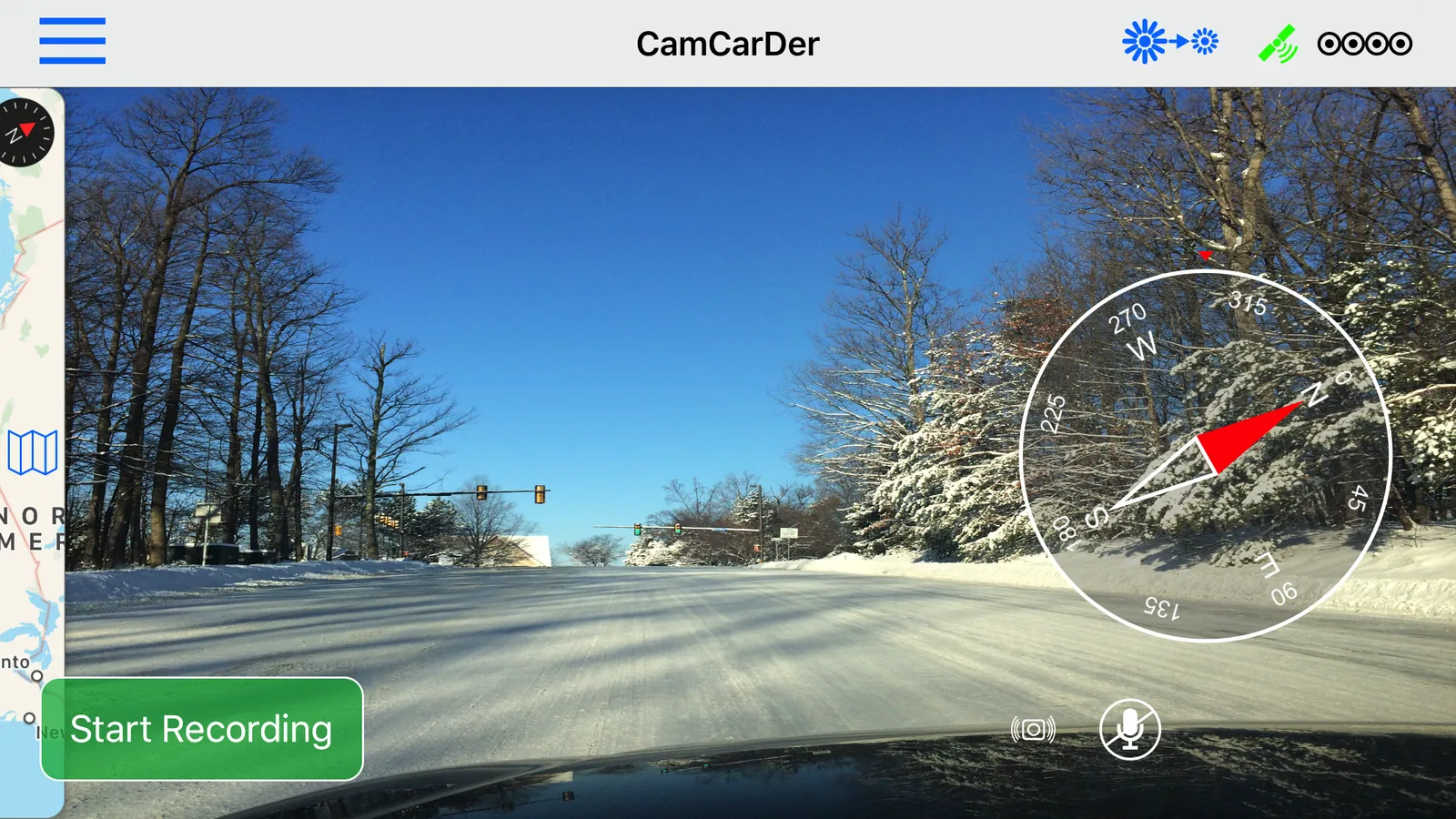
Main screen
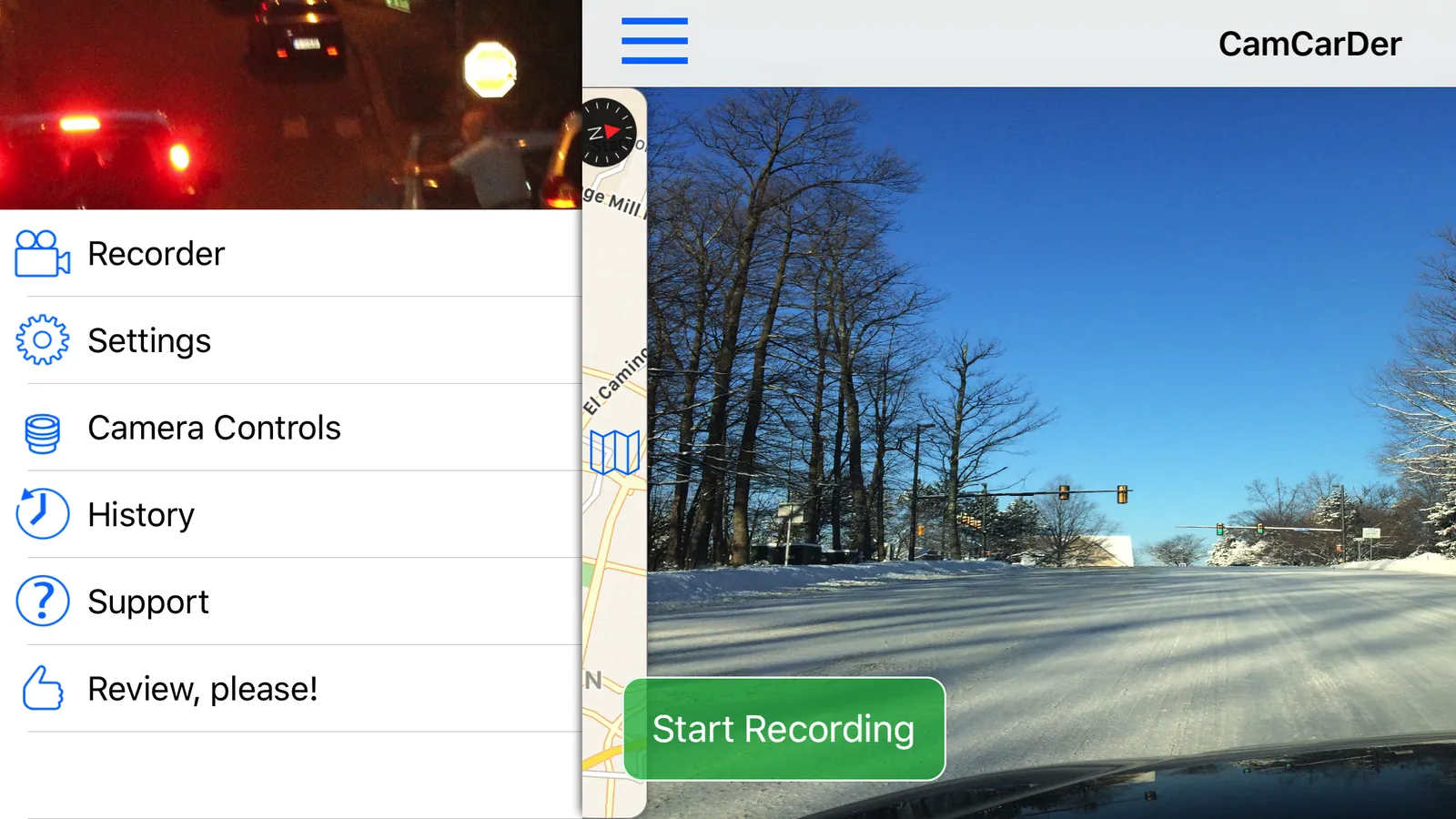
Menu
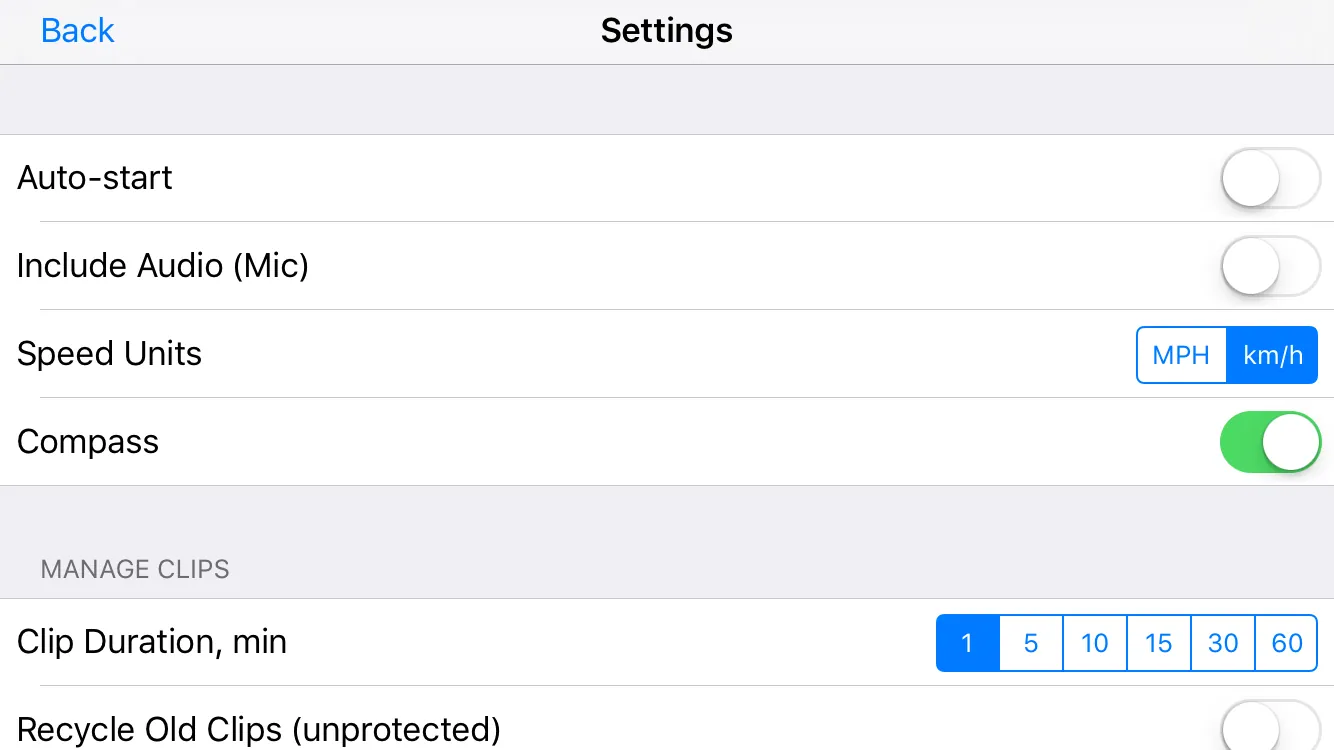
Settings
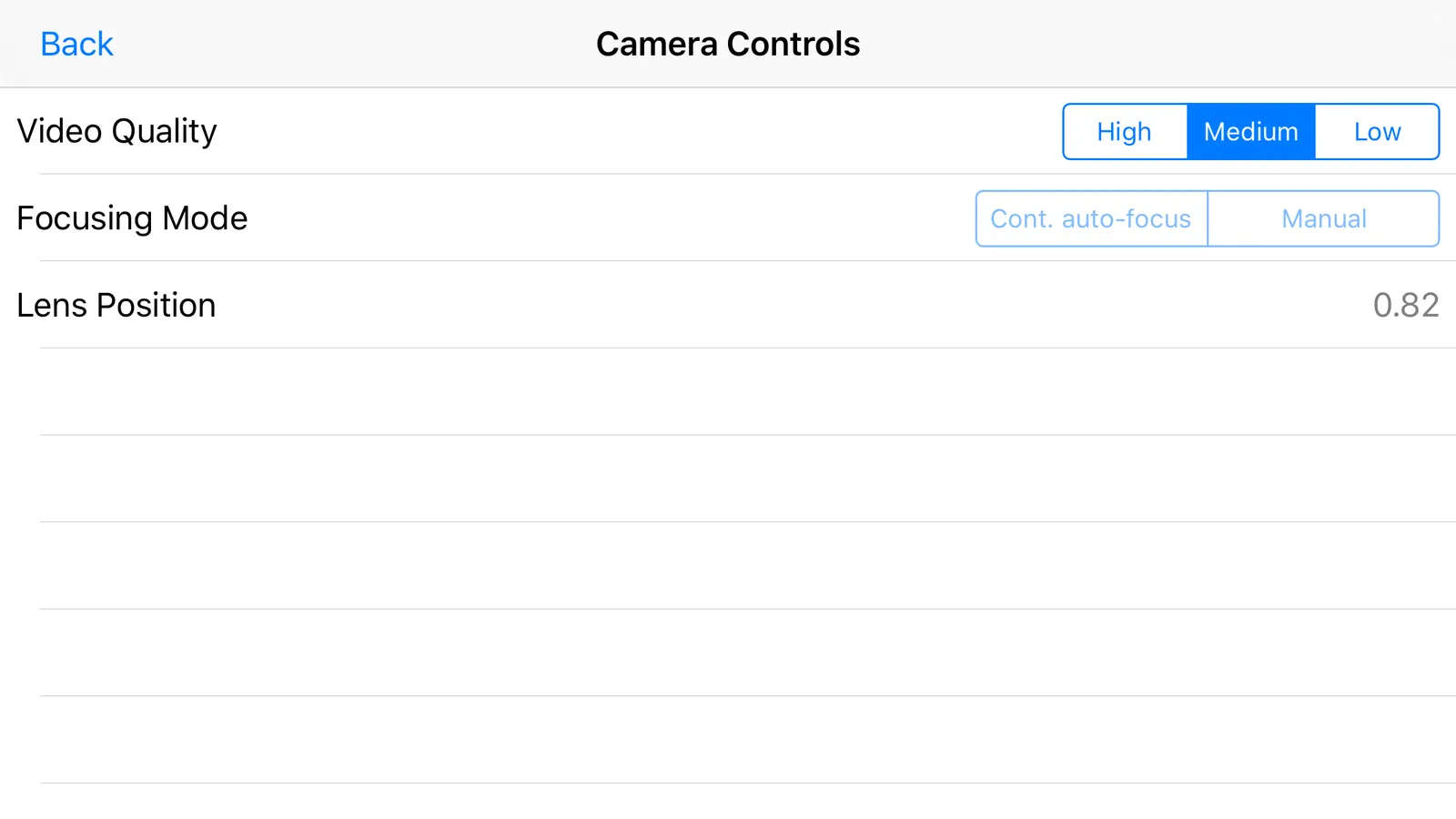
Camera settings
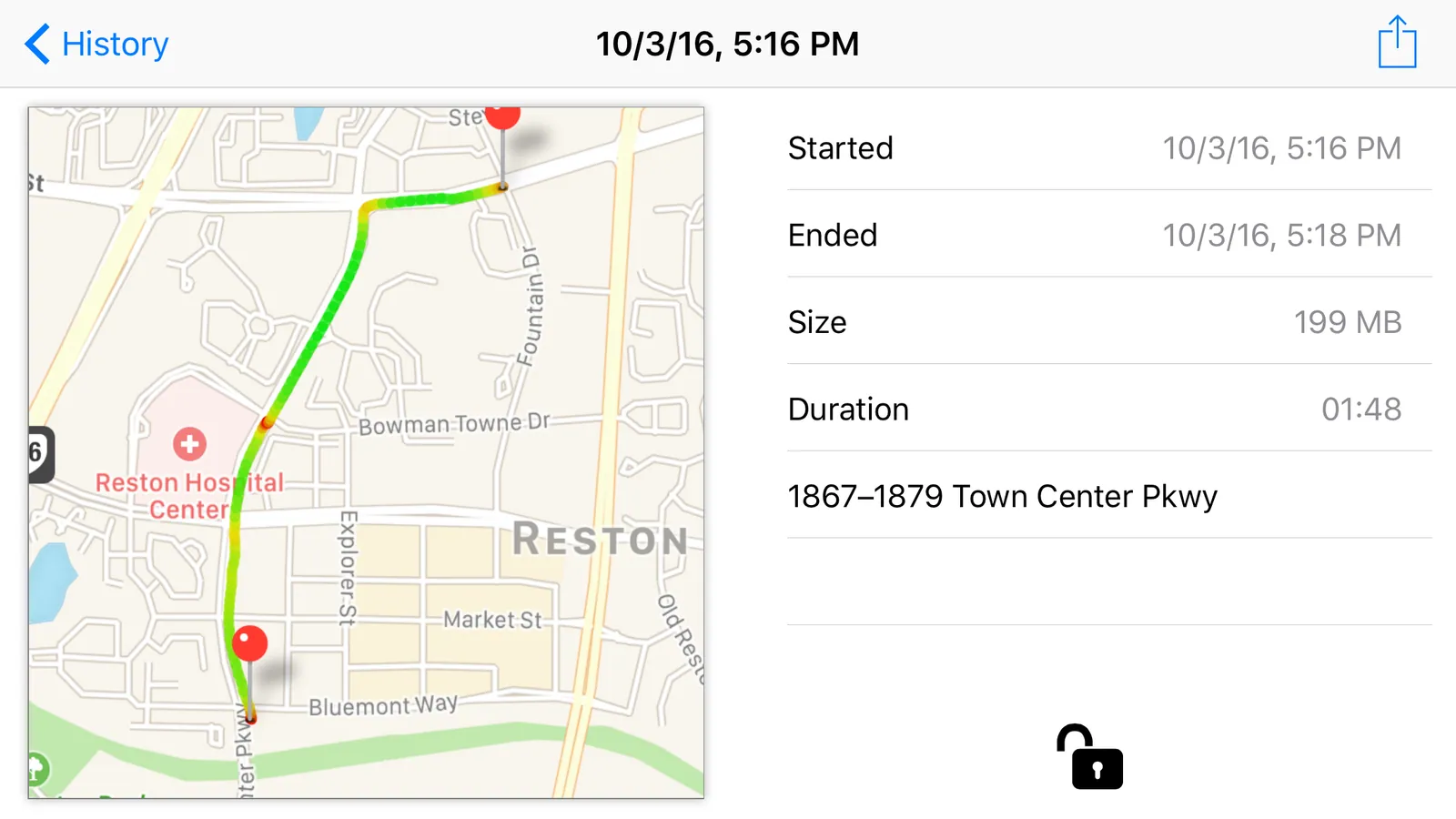
Clip details
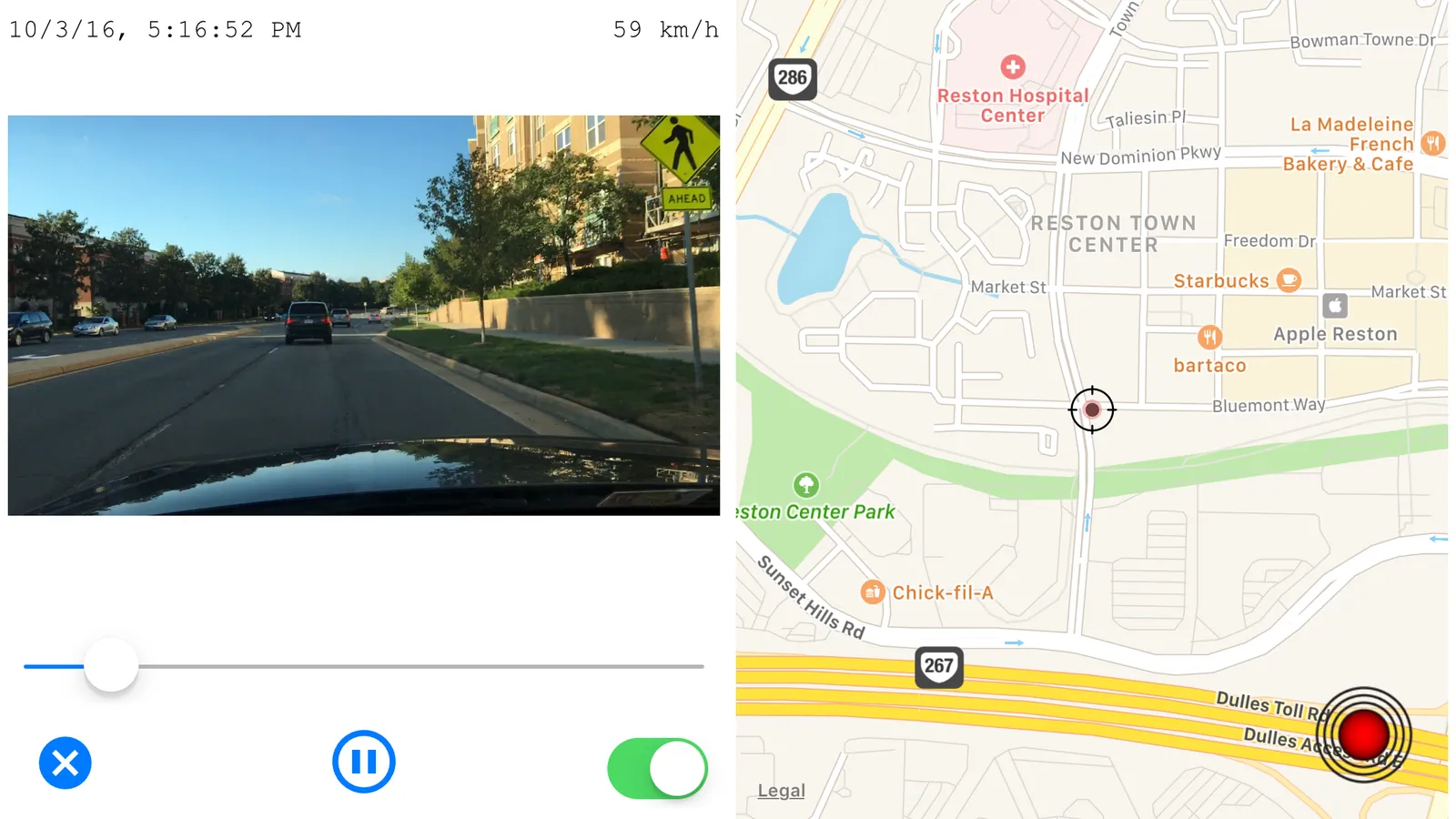
Dynamic playback
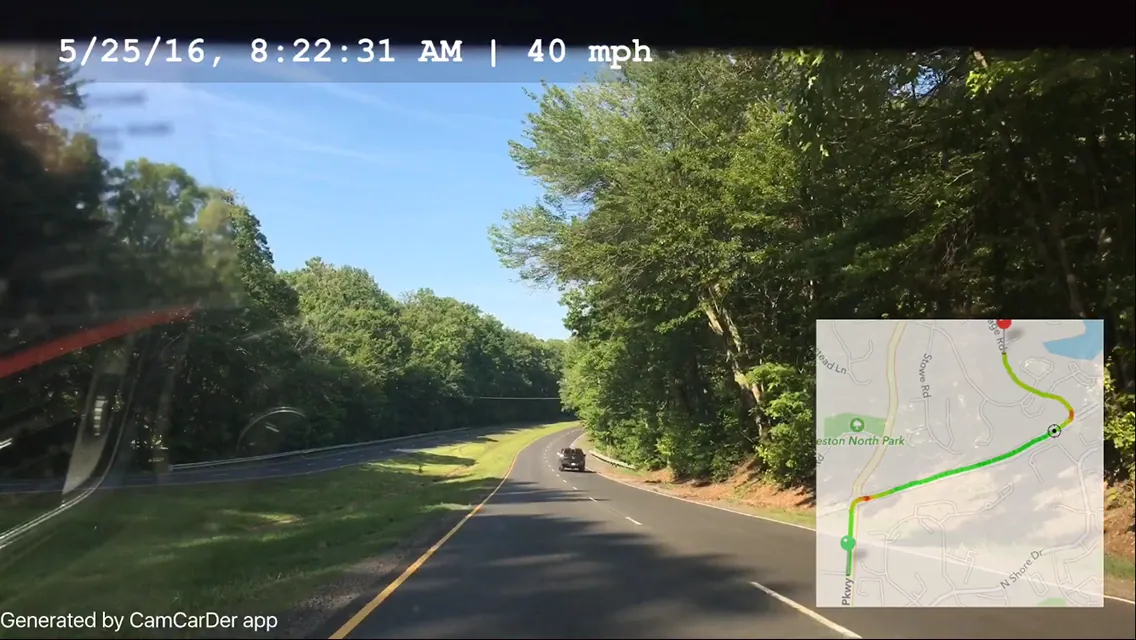
Exported video
Demo
 Watch the demo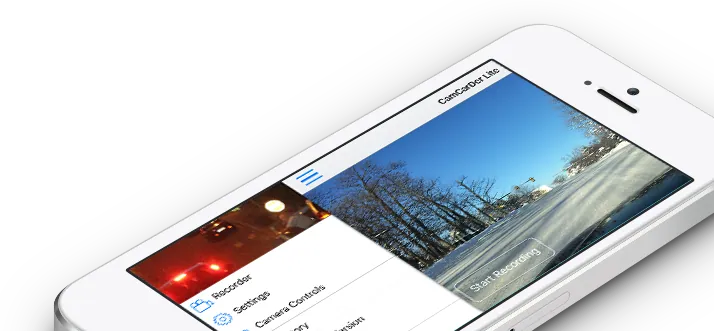
Support
Questions, ideas or problems? Write to us — we answer every message.