
MiCycle
Cycling computer for iPhone and Apple Watch
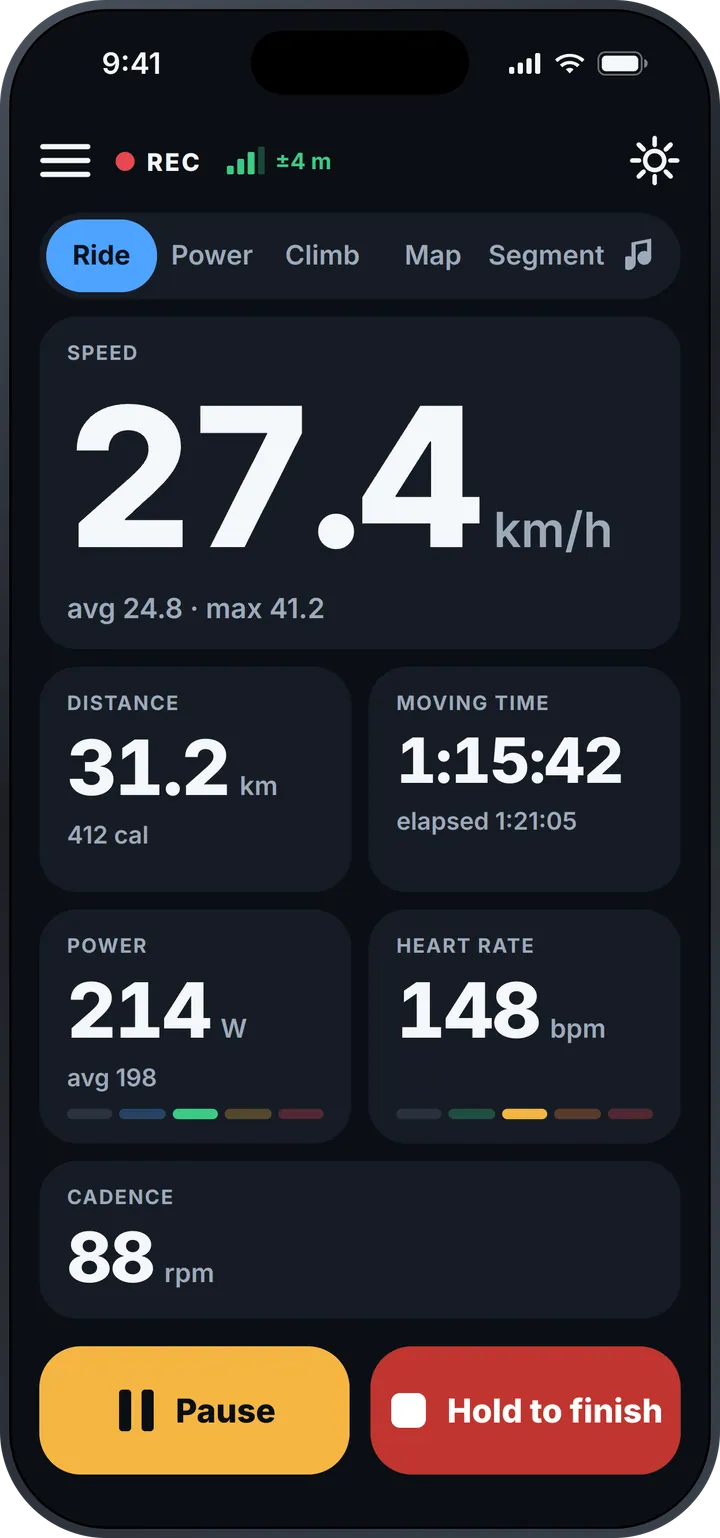
Big, clear numbers on the bike — speed, power, heart rate and cadence. Segments that race your personal best, the whole climb ahead of you, and a voice in your pocket when the phone stays put.
Free version available · MiCycle Pro unlocks everything
Race your best
Segments start by themselves
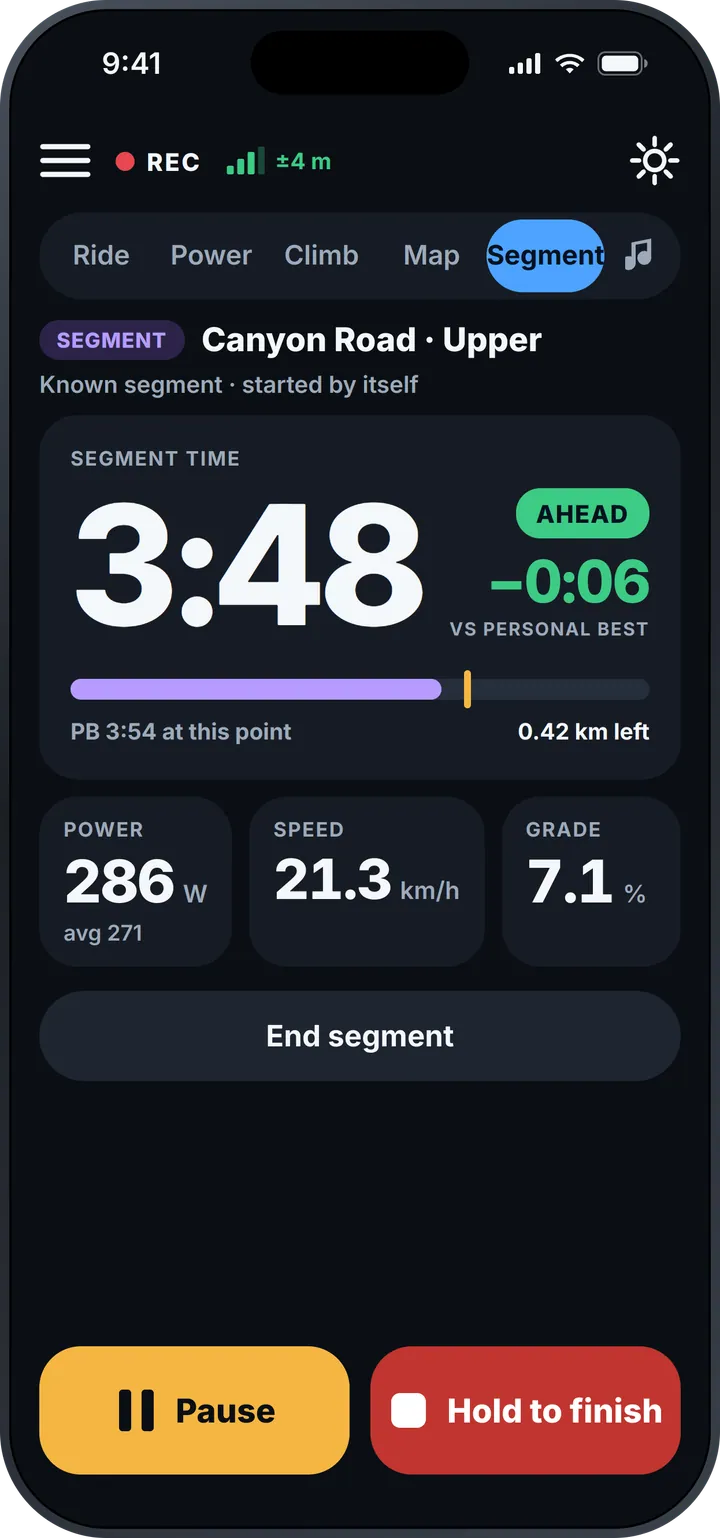
Ride onto a known segment and MiCycle starts timing automatically. You see your time live against your personal best — ahead or behind, to the second — with power, speed, grade and the distance left.
See the whole climb
Foot to summit, even when it flattens
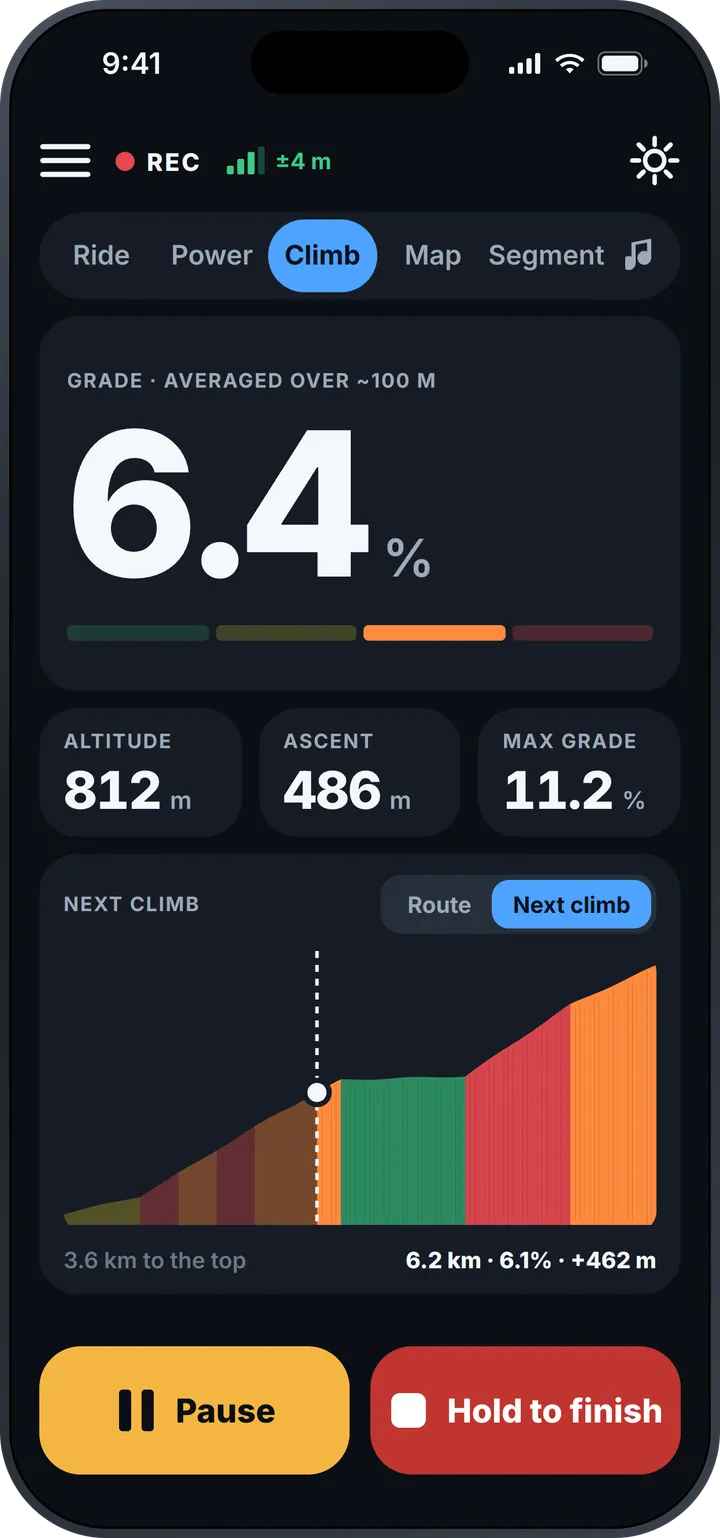
Grade averaged over about 100 m so it doesn't jump around, your altitude, ascent and max grade — and a colour-coded profile of the climb ahead with the distance to the top.
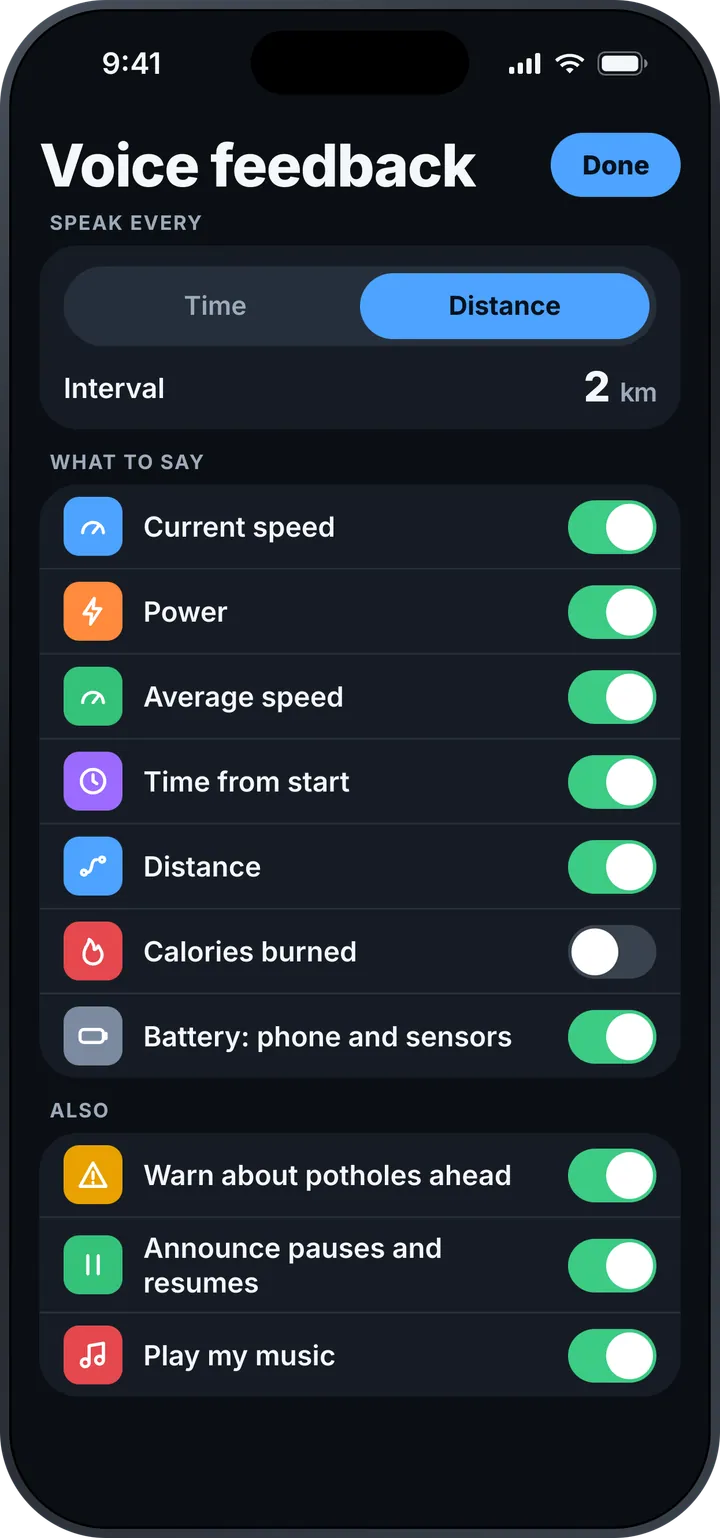
In your pocket, it talks
Voice feedback while the phone stays put
Speed, power, average speed, time, distance, calories and battery levels — every few minutes or every few kilometres, as you choose. Plus warnings about potholes ahead, pause announcements, and your music.
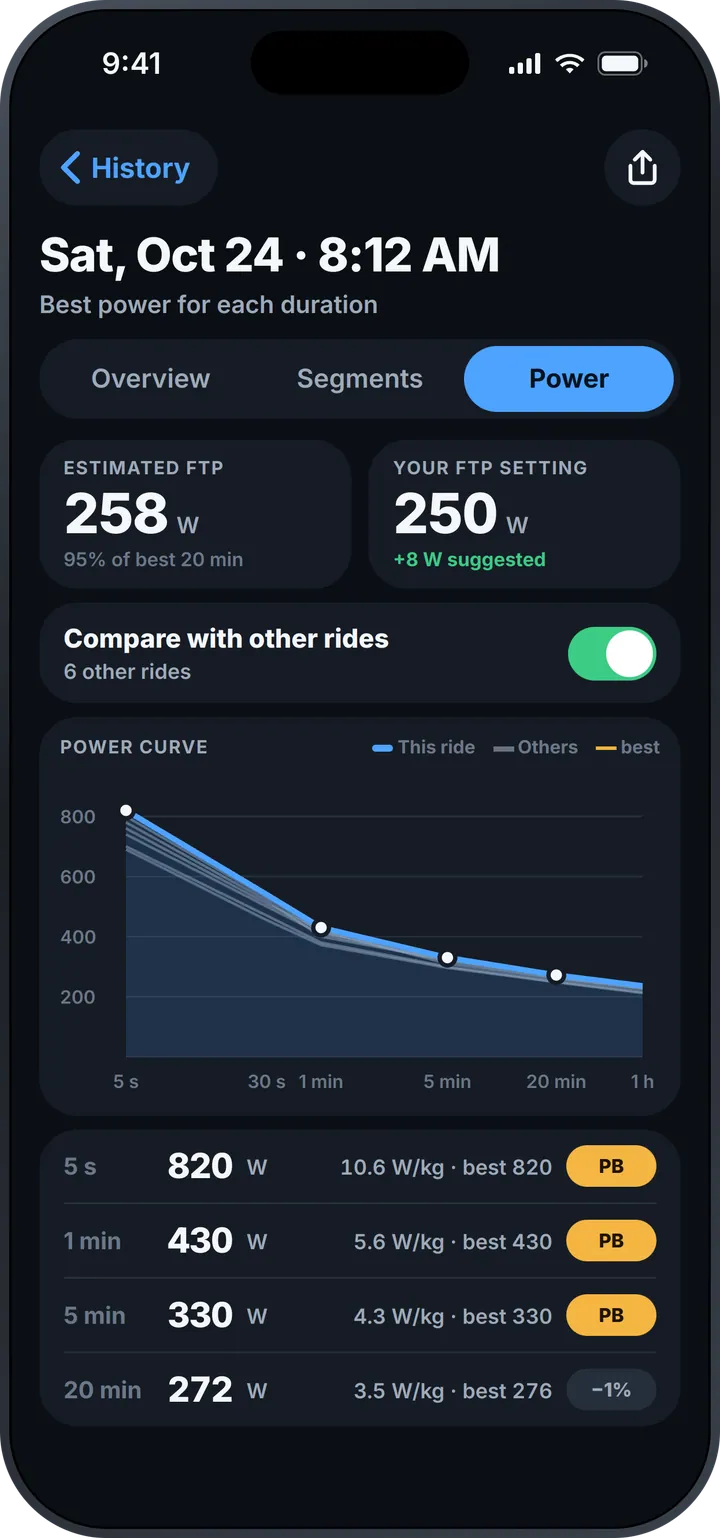
Know your power
Power curve and estimated FTP
Best power for every duration, compared with your other rides and marked when it's a personal best. MiCycle estimates your FTP from your best 20 minutes and suggests when to update your setting.
Features
Learn more about this feature-packed app
Speed and time
Current, average and max speed; moving and elapsed time.
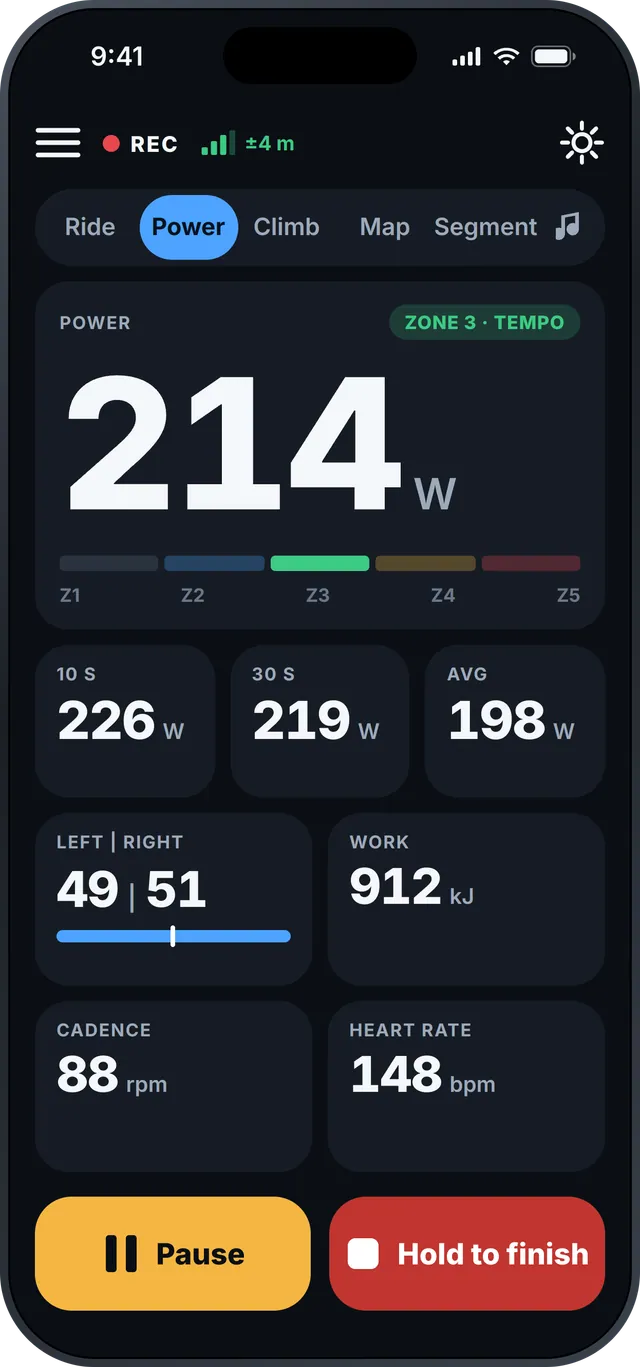
Power and zones
10 s, 30 s and average power, zones, left/right balance and work.
Heart rate and cadence
Standard Bluetooth sensors, with zones at a glance.
Climbs
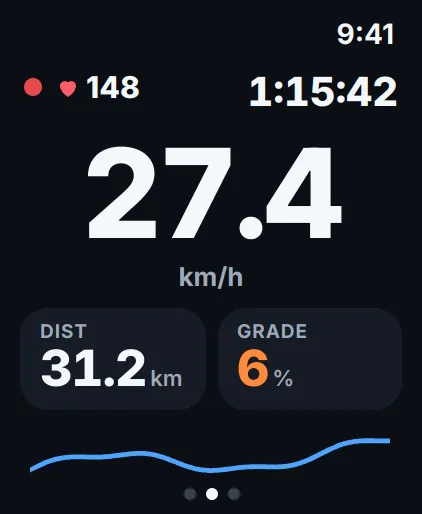
Smoothed grade, ascent and the profile of the next climb.
Automatic segments
Live time against your personal best.
Voice feedback
By time or distance, with pothole warnings.
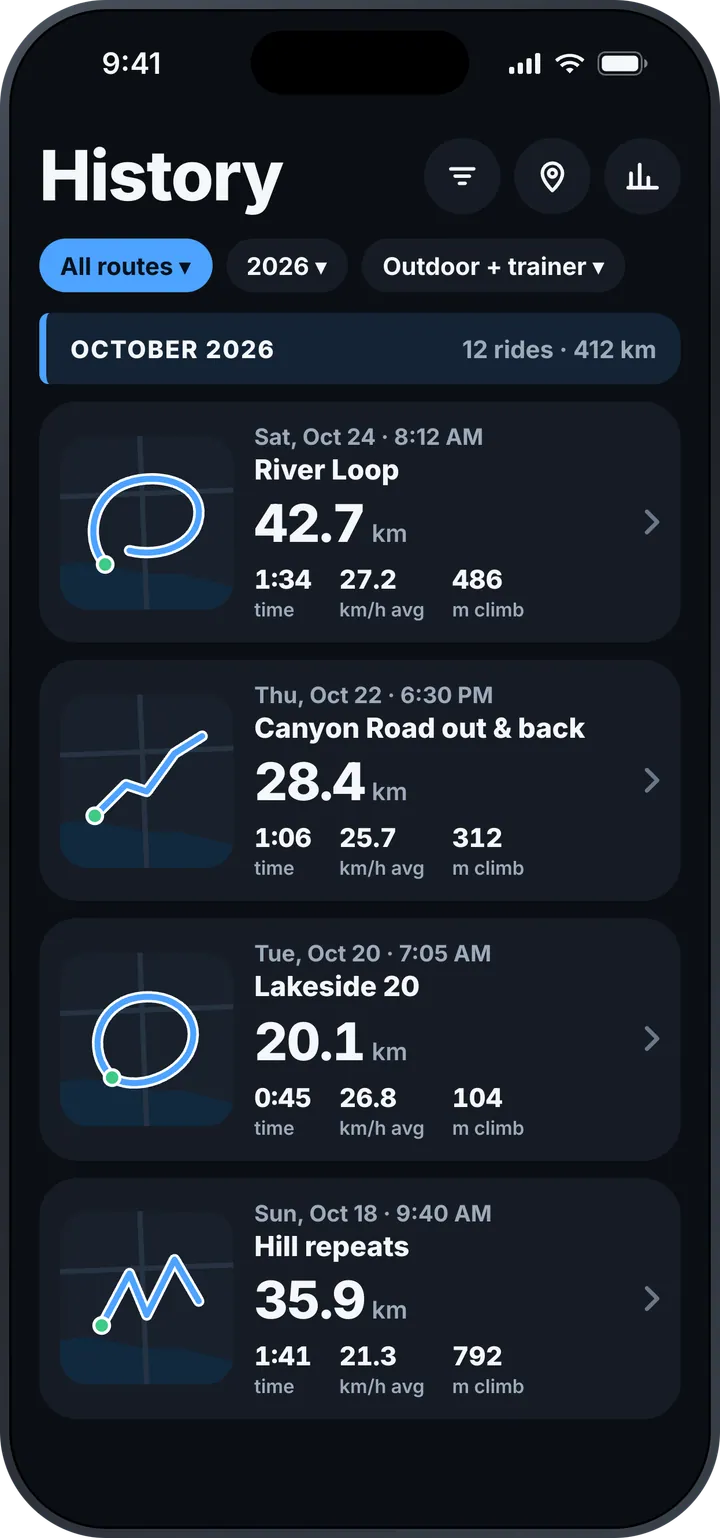
History with filters
Maps, month totals, routes, outdoor and trainer rides.
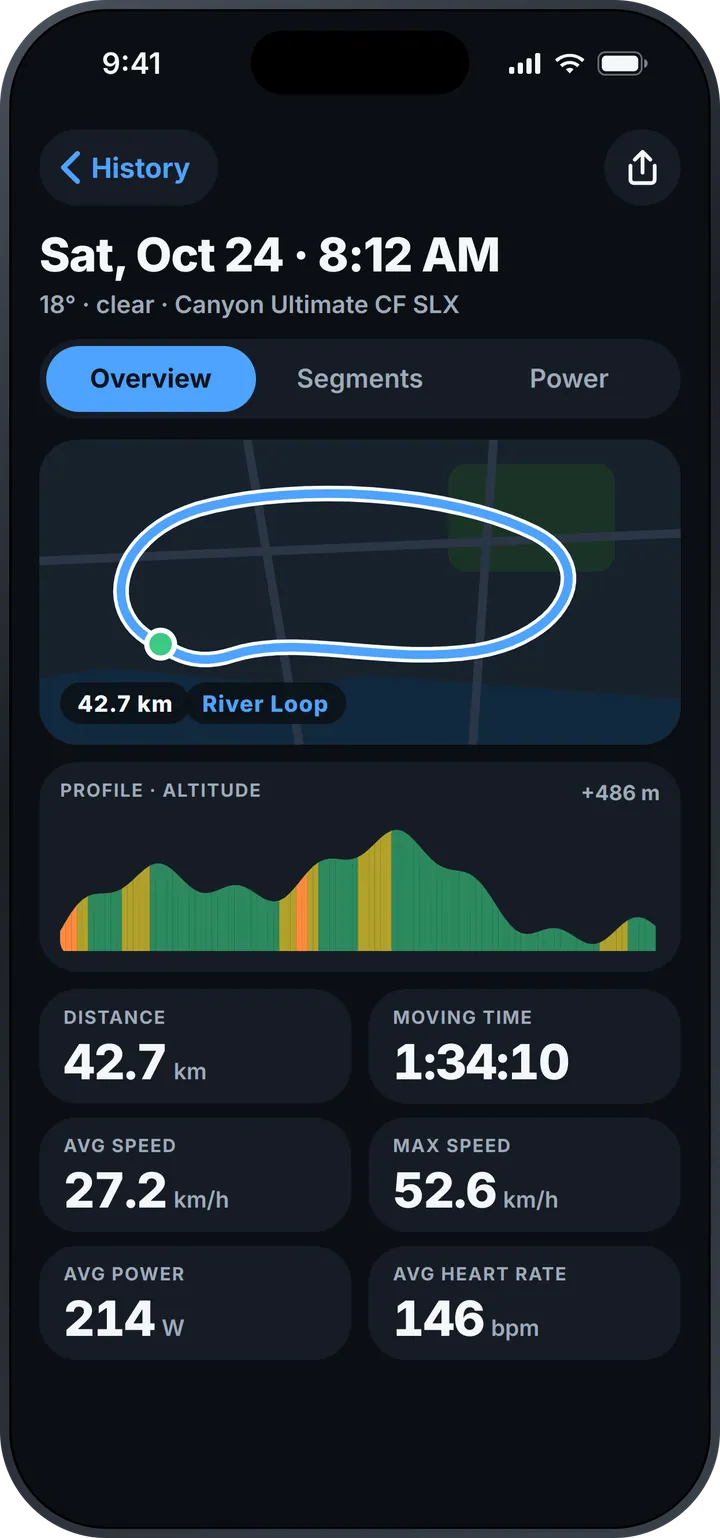
Ride details
Map, grade-coloured profile, weather and your bike.
Power curve and FTP
Personal bests and an estimated FTP from every ride.
Apple Watch
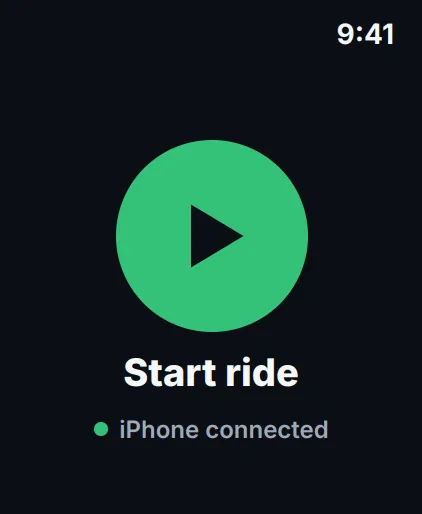
Start, ride, pause and finish from your wrist.
- Big numbers
- readable at a glance, on any ride
- Live vs PB
- segments start by themselves
- iPhone + Watch
- ride with either — or both
Screens
See what's included in the app
Ride
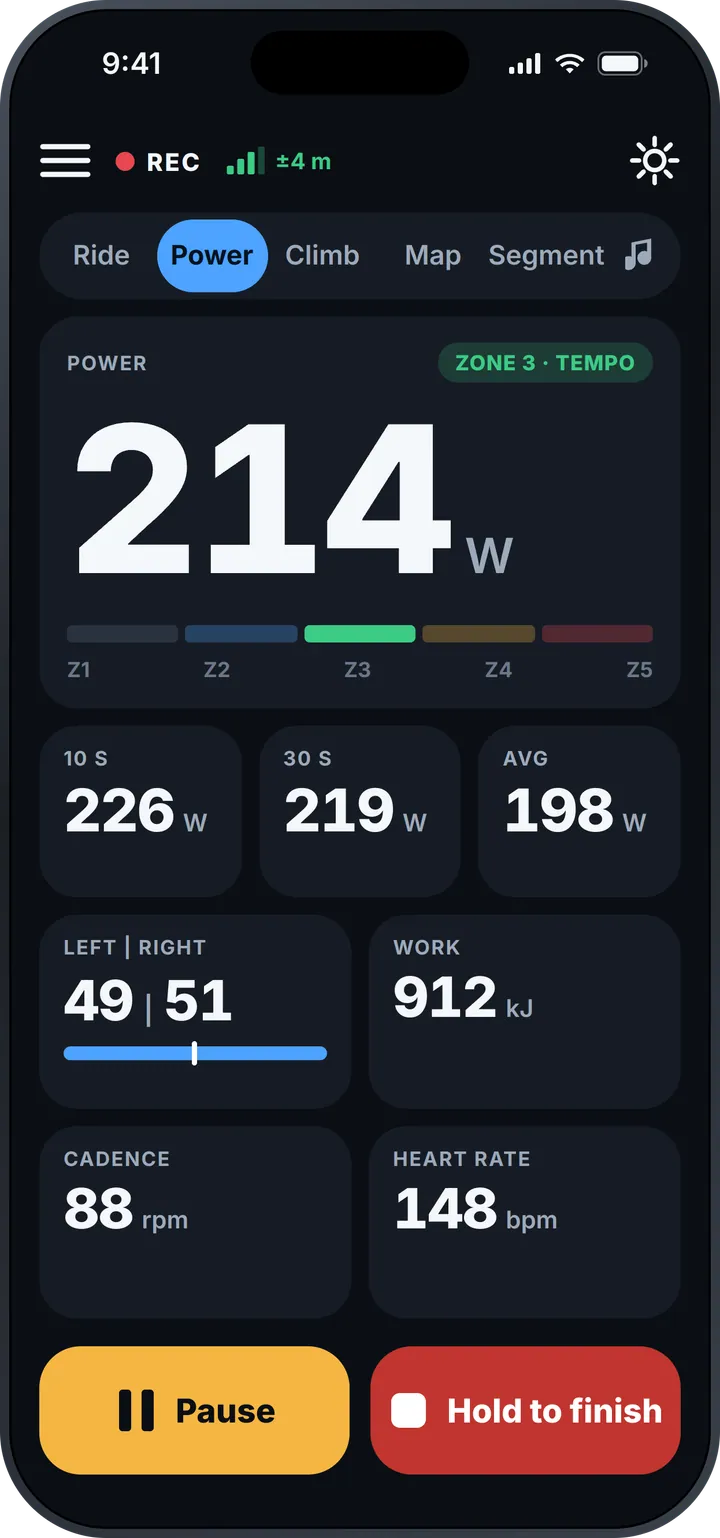
Power and zones
Climb
Segment vs personal best
History
Ride details
Power curve and FTP
Voice feedback
Start a ride
Speed, distance, grade
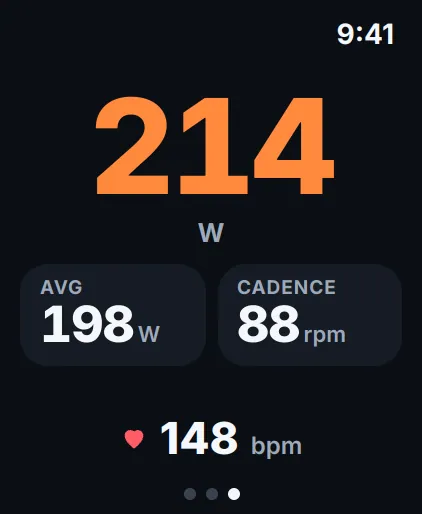
Power and cadence
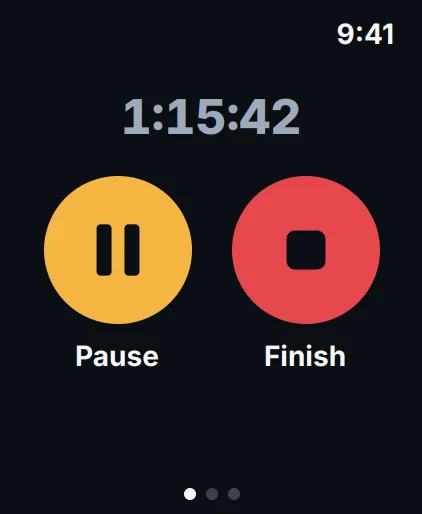
Pause and finish
Questions and answers
Which sensors does MiCycle work with?
Standard Bluetooth heart-rate monitors, power meters and speed/cadence sensors.
Do I need to start segments myself?
No. When you ride onto a known segment, MiCycle starts timing by itself and compares you live with your personal best. You can end a segment manually at any time.
Can I keep my iPhone in my pocket?
Yes. Voice feedback reads your numbers on the interval you choose — by time or distance — and warns you about potholes ahead.
How is the estimated FTP calculated?
From your best 20-minute power (95 % of it). MiCycle shows it next to your FTP setting and suggests an update when your rides show you've improved.
What's the difference between MiCycle and MiCycle Pro?
The free MiCycle lets you try the essentials; MiCycle Pro unlocks all features.
Support
Questions, ideas or problems? Write to us — we answer every message.